Claude for Contract Review: What It's Great At and Where It Stops (2026)
Yes for the reading — Claude is one of the best tools you can hand a contract to for analysis and redline suggestions. No for the workflow around it: it can’t catch contracts as they arrive, file them, send the markup, or route for signature. If you paste or upload an agreement, Claude will explain it clause by clause, flag the risky terms, and suggest edits. What it won’t do is run contract intake — because it has no triggers and can’t act on its systems.
Contract review is genuinely two things: analyzing the document, and moving it through a process. Claude owns the analysis. Here’s exactly where it ends. (Note: Claude’s analysis is a drafting aid, not legal advice — have a lawyer review anything that matters.)
What Claude does well: reading the contract
This is Claude at its strongest. Point it at an agreement and it earns its keep.
- Plain-English summary. Claude turns a dense MSA or NDA into a clear summary of what each party owes, the term, renewal, and termination mechanics.
- Clause-by-clause analysis. Ask “what’s unusual or one-sided here?” and Claude flags auto-renewals, broad indemnification, uncapped liability, IP assignment, exclusivity, and non-standard payment terms.
- Redline suggestions. Claude proposes specific edits and alternative language, and explains why a clause is risky to you — useful before it goes to counsel.
- Compare against a standard. Paste your template or playbook and Claude will diff an incoming contract against it, calling out every deviation. For broader document work see Claude for summarizing documents.
For “help me understand and mark up this contract,” Claude is excellent — and a genuine time-saver for the careful reading.
Where Claude stops: catching contracts as they arrive
Contract review is reactive by nature — a counterparty sends an agreement, and someone has to pick it up. Claude can’t be that someone.
- No intake on a trigger. “When a contract lands in this inbox or this Drive folder, review it and flag the risks” is impossible. Claude has no event triggers; it works only inside a conversation you start.
- It won’t pull the document itself. You have to upload or paste each contract. Claude won’t watch a shared folder, a DocuSign envelope, or an email thread and grab the file. The Microsoft 365 connector can search files but is read-only — it can’t act on them.
- It stops when your laptop sleeps. Even Cowork’s scheduled tasks run on a fixed clock and only while your computer is awake with the desktop app open — not always-on intake.
The filing, sending, and routing gap
Analysis is half the job. The other half is what happens to the contract afterward — and that’s all action, which Claude doesn’t do.
- It can’t send the redlines. Claude cannot send email on any surface: the Gmail connector is draft-only (Anthropic: “creates drafts in your Gmail account, but cannot send emails on your behalf”), the Outlook add-in omits
Mail.Send, and M365 is read-only. So Claude marks up the contract and you email it back. See can Claude send emails. - It can’t file the executed copy. Claude won’t move the signed PDF into the right client folder, rename it, or log it. Filing attachments to folders is an action, and Claude doesn’t take actions on your systems.
- It can’t route for signature. Kicking a clean version into an e-signature flow and tracking it is outside what Claude does.
The no-triggers point, in one line
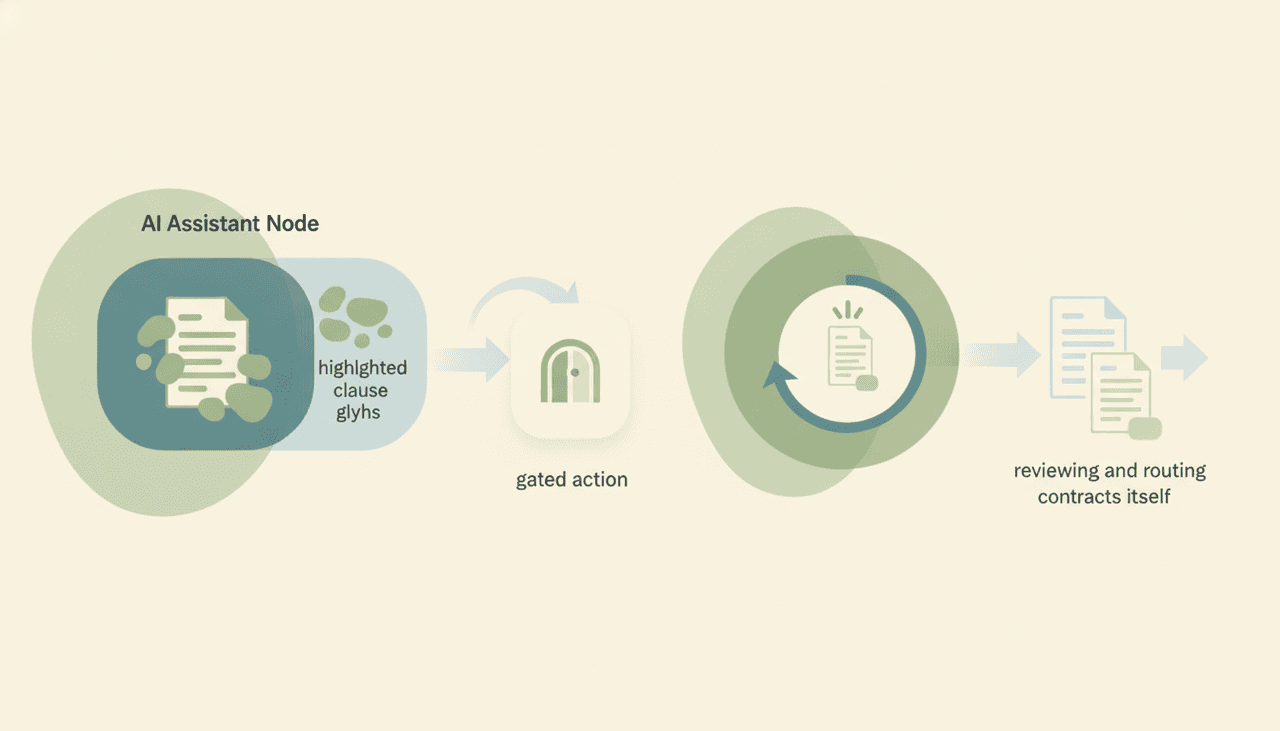
A contract-review process is event-driven: a document arrives, gets reviewed, gets filed, gets signed. Claude can do the middle reasoning step beautifully, but it can’t be wired to start when the event happens or to finish by acting. It is a brilliant reader you have to feed by hand, every time.
| Analyze contract | Suggest redlines | Intake on arrival | File / route | On triggers / automatic | |
|---|---|---|---|---|---|
| Claude | Yes | Yes | No | No | No |
| Gemini | Yes | Yes | No | No | No |
| ChatGPT | Yes | Yes | No | No | No |
| Carly | Yes | Yes | Yes | Yes | Yes |
All three chatbots can read and mark up a contract you give them. None of them runs intake or files the result. That’s the gap.
What actually running contract review looks like
If the job is “handle contracts as they come in,” not “read this one for me,” you need an agent that acts. That’s Carly, an AI executive assistant inside your inbox and calendar:
- It catches contracts on arrival. When an agreement hits your inbox or a shared folder, Carly can pick it up automatically — no pasting.
- It reviews and summarizes. Carly flags risky clauses, compares against your standard terms, and drafts a summary for you or the team.
- It files and routes. Carly can save the document to the right folder, log it, send the markup or summary by email — drafting and sending with attachments across Gmail and Outlook — and route it onward.
- It works on triggers, 24/7, in the cloud. The whole intake-to-filing loop runs with your laptop off. Each agent gets its own email address.
- It builds the workflow with you. Tell it “I’d like to set up a contract-intake system” in plain English; it interviews you, then builds it together.
AI agents start at $35/month, and steps in a workflow that don’t use AI run free and unlimited. Carly connects to 200+ tools across 40+ categories — see integrations, Gmail, and Outlook.
Frequently Asked Questions
Can Claude review contracts?
Yes — for the reading. Claude is strong at summarizing a contract, flagging risky or one-sided clauses, and suggesting redlines on a document you upload or paste. It can’t intake contracts on a trigger, file the executed copy, or send the markup. And it isn’t a substitute for a lawyer.
Is Claude’s contract analysis legal advice?
No. Claude is a drafting and analysis aid — it can speed up your reading and flag issues, but a qualified attorney should review anything that carries real risk.
Can Claude pull a contract from my email or Drive automatically?
No. You have to upload or paste each document. Claude has no triggers, and the Microsoft 365 connector that can search files is read-only. For automatic intake you need an agent like Carly.
Can Claude send the redlined contract back?
No. Claude can’t send email on any surface and can’t attach files to outbound mail — Gmail is draft-only, the Outlook add-in never sends, M365 is read-only. See can Claude send emails.
What actually runs contract intake end to end?
Carly — it catches contracts on arrival, reviews and summarizes them, files the document, and sends the markup with attachments, all on triggers, 24/7. AI agents start at $35/month.
More: Can Claude send emails? · Claude for summarizing documents · Claude for data entry · Claude for order processing · Claude vs Carly · Best AI personal assistants
Ready to automate your busywork?
Carly schedules, researches, and briefs you—so you can focus on what matters.
See what people say
"Before Carly, I relied on a Calendly link, but the whole process felt impersonal and not very professional. Carly changed that by handling all the back-and-forth, so I'm no longer stuck in endless email threads trying to line up schedules.
Now Carly reaches out to candidates, shares my real-time availability, lets them pick a slot, then sends a Zoom link and drops it straight into my calendar. She sends reminders to both of us before each call, which has significantly reduced no-shows and last-minute confusion.
On top of scheduling, Carly acts like a full executive assistant, sending me my schedule the night before so I can prepare for each call. It reminds me of the old x.ai assistant, but Carly is noticeably smarter, faster, and better suited to my healthcare recruitment business."