Email Delegation to an AI: Forward, CC, and Hand Off Like You Would to an EA
Delegating email is one of the oldest moves in the assistant playbook. You give someone you trust access to your inbox, or you forward them the threads you don’t want to handle, and they take it from there. For decades that someone was a human: an executive assistant, a virtual assistant, a chief of staff. The mechanics of doing it in Gmail and Outlook are well worn.
What’s new is that the “someone” can now be an AI with its own email address, and you delegate to it using the exact same instincts: forward it a thread, CC it on a conversation, hand it a recurring task. This post covers the classic email delegation mechanics accurately, then shows what changes when the assistant on the other end is software.
The classic way: delegating email to a human
There are three standard patterns, and they’re worth getting right because they set the mental model for everything that follows.
Gmail delegate access
Gmail has native delegation built in. You open Settings → See all settings → Accounts and Import, and under “Grant access to your account” you add another Google account as a delegate. Google will ask you to verify your identity first. Once added, your delegate can read, send, and delete email in your inbox on your behalf. When they send a message, Gmail shows it was sent by them for you, so the recipient can see who actually clicked send.
A few real limits worth knowing: a personal Gmail account allows up to 10 delegates, while a Workspace (work or school) account allows up to 1,000. Delegates cannot change your password or chat as you. As of mid-2026 Google rolled delegate access out to the Gmail mobile apps, so a delegate can now read and compose on your behalf from a phone, not just the desktop web (Google Workspace Updates, Gmail Help).
Outlook and Microsoft 365 delegate access
Outlook handles this through delegate permissions. In desktop Outlook you go to File → Account Settings → Delegate Access, add the person, and choose permission levels per folder (Inbox, Calendar, Tasks). You can grant Reviewer, Author, or Editor rights, and optionally let the delegate see items marked private. Microsoft 365 also supports shared mailboxes and “Send on Behalf” versus “Send As” permissions, which control whether the recipient sees the delegate’s name or yours on outgoing mail.
Forwarding and CC
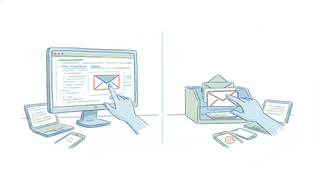
The lowest-friction option needs no admin setup at all. You just forward the threads you want handled to your assistant, or CC them on a conversation so they have context and can jump in. This is how most people actually delegate day to day: “Can you take this one?” with a forward, or a CC that quietly loops the assistant in so they can schedule the meeting or chase the reply. No permission grants, no password sharing, works across any email provider.
Every one of these patterns assumes a person is reading the other end. That assumption is what just changed.
The modern version: delegating email to an AI
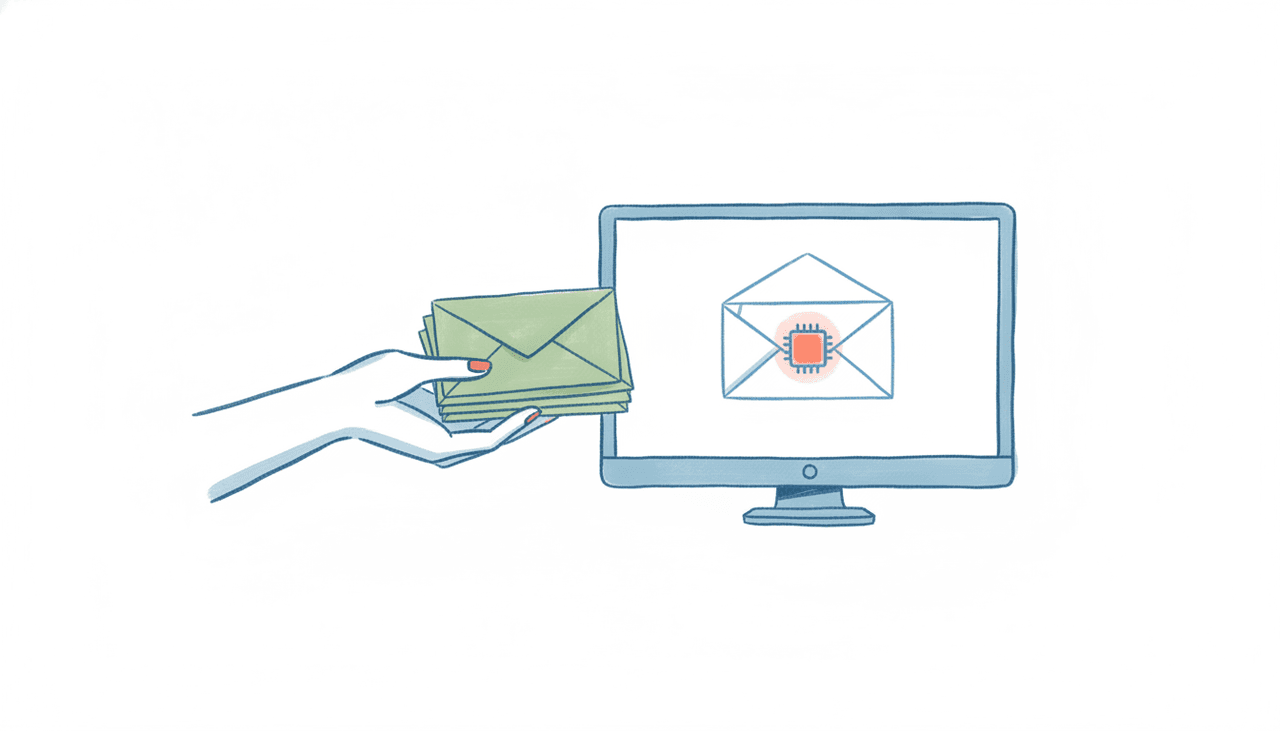
Give an AI its own email address and the same three moves work, except the assistant is available every hour of every day and the finished work comes back in minutes.
This is the core of how Carly works. Every Carly agent has a dedicated email address out of the box. You treat it exactly like a coworker you’d delegate to:
- Forward it a thread. Send over the messy back-and-forth about scheduling a call and it reads the context, checks your calendar, proposes times, and books it.
- CC it on a conversation. Loop the agent into a live thread and it can pick up the follow-up, draft and send the reply, or add the action items to your task list without you leaving the thread.
- Hand it recurring work. Ask for a Monday-morning digest of what needs your attention, or standing follow-ups on unanswered emails, and it runs on its own.
The key difference from most AI tools: Carly acts end to end. It doesn’t hand you a draft and stop. It finishes the job and replies from inside email, on any device, the same way a good EA would. If you’ve ever thought “I wish I could just forward this to someone,” that’s the whole interaction. There’s more on the pattern in the AI assistant you can email and give an AI agent a name, email, and personality.
Carly handles scheduling across Google Calendar and Outlook, inbox triage, follow-ups, recurring briefs, and multi-step workflows. It reaches almost any app you already use, roughly 260 native connectors across categories like CRM, project management, and accounting, plus anything else with a public API through your own key. Pricing is straightforward: free Zapier-style workflows, with AI agents starting at $35/month.
Why “email it like a coworker” is different from ChatGPT or Claude sending mail
It’s easy to conflate this with the newer email features in general-purpose AI chatbots, so it’s worth drawing the line cleanly.
Some assistants can now send email through a connector. ChatGPT, as of mid-2026, can send via its Gmail connector with your approval. Claude’s Gmail connector sends, replies and forwards, but asks you to approve each message, so nothing leaves your account unattended (Anthropic support). We keep a running check on this in can Claude send emails and can ChatGPT send emails.
But “the chatbot can send an email on your behalf when you ask it to, inside its own app” is a different thing from “the assistant has its own address that you and other people email and CC.” With a connector, you still have to open the app and drive the conversation. With a delegated email address, delegation flows the other direction: work arrives to the agent by email, from you or from anyone you loop in, and it comes back finished. That’s the coworker model, and it’s what none of the big chatbots actually offer.
There’s also a separate wave of developer tooling, including our own CarlyEmail, that gives a software agent its own inbox through an API. That’s plumbing for engineers building applications, not an assistant a professional emails. Useful, but a different audience. If you want to compare the tools built for people rather than codebases, the best AI email agents and best AI inbox management tools go deeper.
Delegating from your own domain
One more thing a human EA gets that most AI tools don’t: an email address on your company’s domain. When you delegate to a person, mail comes from them@yourcompany.com and looks like part of your team.
Carly supports this on organization plans. You can stand up your own sending domain so the agent’s mail comes from an address at your domain, DKIM-signed and SPF-aligned to your brand, instead of a generic Carly address. Setup is close to self-serve: the org portal shows you the exact DNS records to copy into your registrar (a verification TXT record and three DKIM CNAME records, plus an SPF row), you paste them at your host, forward the mailbox back to the agent, and hit verify. Nothing sends from your domain until verification confirms, so deliverability stays clean. There’s no support ticket and no AWS console in the loop. You set it up in your org portal at carlyassistant.com.
A couple of competitors in the scheduling space (CalendarBridge, for one) also offer a custom-domain agent address, so the category exists if you want to shop it. Carly’s version is the easiest path we know of to a branded, act-end-to-end email agent.
FAQ
What does it mean to delegate email to an AI?
It means giving an AI assistant its own email address and handing it work the way you’d hand it to a human assistant: forward it threads, CC it on conversations, or assign it recurring tasks. The AI reads the context, takes action (scheduling, replying, triaging, running a workflow), and returns the finished result by email. With Carly, each agent has a dedicated address for exactly this.
Can I still use Gmail or Outlook delegation with an AI assistant?
Native Gmail and Outlook delegate access is designed for granting another person account-level access to your mailbox. For an AI assistant like Carly, you don’t need to grant that access at all. You delegate by forwarding and CC’ing its dedicated email address, which works across any email provider and requires no password sharing or admin permission grants.
Is forwarding emails to an assistant secure?
Forwarding and CC are the least invasive form of delegation because you control exactly which threads the assistant sees, message by message, rather than handing over full inbox access. Carly only acts on what you send it or explicitly connect, and connections to other apps use OAuth or your own API keys rather than stored passwords.
How is this different from ChatGPT or Claude sending my email?
ChatGPT and Claude both send email through their Gmail connectors with your approval on each message. In both cases you drive the assistant from inside its own app. A delegated email address works the opposite way: the assistant has an inbox you and others email and CC, and it returns completed work. That’s the coworker model rather than a chatbot with a send button.
Ready to automate your busywork?
Carly schedules, researches, and briefs you—so you can focus on what matters.
See what people say
"Before Carly, I relied on a Calendly link, but the whole process felt impersonal and not very professional. Carly changed that by handling all the back-and-forth, so I'm no longer stuck in endless email threads trying to line up schedules.
Now Carly reaches out to candidates, shares my real-time availability, lets them pick a slot, then sends a Zoom link and drops it straight into my calendar. She sends reminders to both of us before each call, which has significantly reduced no-shows and last-minute confusion.
On top of scheduling, Carly acts like a full executive assistant, sending me my schedule the night before so I can prepare for each call. It reminds me of the old x.ai assistant, but Carly is noticeably smarter, faster, and better suited to my healthcare recruitment business."