How to Connect Multiple OneDrive Accounts to Claude Cowork
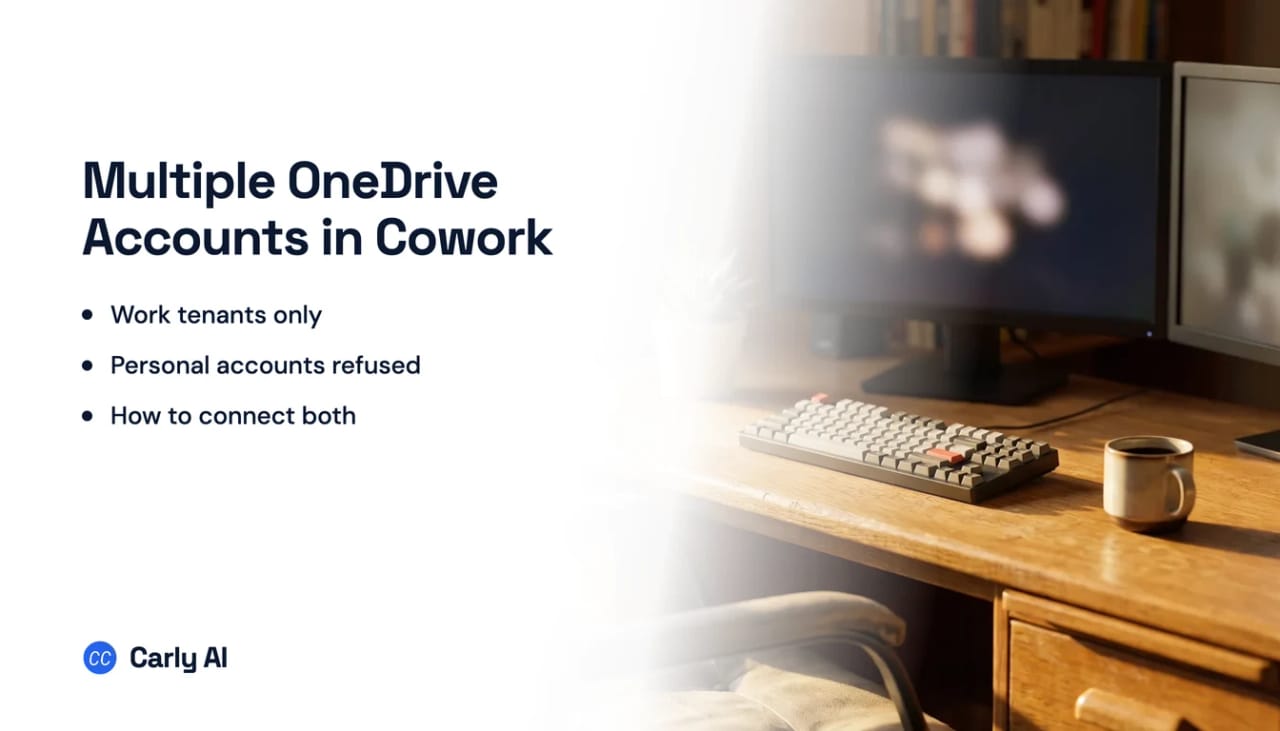
Carly is how one Claude Cowork task reaches a personal OneDrive and a work one at the same time. Cowork gets to OneDrive only through the shared Microsoft 365 connector, which accepts exactly one Microsoft Entra work tenant and flatly refuses personal Microsoft accounts, so the usual framing is wrong here: personal plus work is not a one-at-a-time problem, it is one plus zero. Connect all your Microsoft accounts to Carly, add Carly to Cowork once, and one task works across all your drives at once. Carly holds your Google Drive accounts, and every mailbox and calendar on both sides, in the same place.
1. Add your OneDrive accounts to Carly
- Sign in at carlyassistant.com.
- Open carlyassistant.com/integrations.
- Find OneDrive, click Connect, and authorize the account.
- Click Connect again for the next one, and keep going for as many accounts as you want.
Microsoft reuses whichever session your browser already holds, so sign out between accounts or use a separate browser profile.
Carly connects to thousands of apps, so while you are on that page you can add your inboxes, calendars, CRM, and anything else you want Claude Cowork to reach through the same connector.
2. Add Carly to Claude Cowork
- Click Get the Carly connector, then Connect, and sign in with your Carly account (the one holding the OneDrive connections).
- In the Cowork task, open + → Connectors and enable Carly.
On Team and Enterprise, an Owner may need to add the connector to the organization before members can connect it.
What one chat can do afterwards
- Search a work drive and a personal drive in the same question.
- Reconcile an expense sheet in one account against a log in another.
- Reach a second employer’s or client’s drive you already have access to.
- Save a file into any of your drives.
- Rename, move, or file documents across all of them.
- Act when a file lands in a folder rather than when you next ask.
A personal OneDrive account is rejected, not queued
Anthropic’s Microsoft 365 connector documentation is unusually blunt about this, and states it on three separate pages: everyone using the connector, on any Claude plan, must authenticate with a Microsoft 365 account tied to a Microsoft Entra tenant, and personal Microsoft accounts cannot be used. The addresses named are @outlook.com, @hotmail.com and @live.com. Anthropic’s wording is that people trying a personal account will receive an authentication error.
| Account | Kind | Native path in Cowork |
|---|---|---|
| Your employer’s OneDrive | Entra work tenant | Yes, one tenant only |
| A second employer’s OneDrive | Another work tenant | No, second admin consent, and not at the same time |
| A client’s OneDrive as a guest | Another work tenant | No, you authenticate against your home tenant |
| Personal @outlook.com drive | Personal Microsoft account | No, rejected with an authentication error |
| A shared folder inside your tenant | Entra work tenant | Yes, if you can already open it |
What the Microsoft 365 connector does well, and where it stops next
Inside the one tenant it is allowed to hold, Cowork is strong. It inherits your Microsoft permissions rather than asking you to restate them, and its write tools go further than most assistants. Anthropic’s tool table lists sharepoint_update_file to replace an existing file’s content, plus sharepoint_rename_item, sharepoint_move_item, sharepoint_copy_item and sharepoint_delete_item, which sends a file or folder to the recycle bin. Those tools are named for SharePoint but one family covers both surfaces, so Claude can modify and delete existing OneDrive files once writes are on. This is not the Google Drive shape, where only new files can be saved.
Cowork has no connector layer of its own, which catches people who assume it is a separate product with separate plumbing. Anthropic documents that web connectors are available across Claude, Cowork, Claude Desktop and Claude Mobile, and Cowork’s own documentation says you control which connectors Claude can use from the + menu or the Customize then Connectors page. Cowork itself is on the paid Claude plans, Pro, Max, Team and Enterprise, while the Microsoft 365 connector is available on all plans. Paying more does not buy a second tenant.
The write gate is the next thing to hit, and it is not on your side of the fence. Reads and writes are consented separately, and an Entra Global Administrator has to approve the expanded permission set once per tenant. Organizations already using the connector before the write tools appeared have writes blocked by default until an admin enables them. On Team and Enterprise, the setting that allows “Always allow” for connector tools is off by default, so members approve write-capable tools per task, and attachments are not supported in any write tool.
Then the unattended run.
Give Claude's scheduled tasks a time and they will run. Give them something that just happened and they will not. ChatGPT goes further, but only on web and mobile, and only for apps whose plugin supports events: OpenAI documents Gmail, Slack and GitHub and has not named the rest. A lead moving stage, a form landing, an invoice clearing: neither one has a published way to start on it. Carly starts on all of it.
Scheduling is cadence based only, hourly, daily, weekly, on weekdays or manually, and Anthropic states Claude only accesses Microsoft 365 when you ask a question that needs it rather than running background searches. Carly fires on the event instead: a file lands, it gets read, filed against the right client, and summarized to the person who needs it.
Native Cowork versus Carly
| Need | Claude Cowork | Carly |
|---|---|---|
| Search files in one work tenant | Yes | Yes |
| Inherit your existing Microsoft permissions | Yes | Yes |
| Update, move, or delete an existing file | Yes, once an admin consents | Yes |
| Connect a personal Microsoft account | No | Yes |
| Hold work and personal drives at once | No | Yes |
| Act when a file lands in a folder | No | Yes |
Free Zapier-style workflows; AI agents from $35/month. Connect the drives on the integrations page, then add Carly to Cowork with Get the Carly connector and start with OneDrive.
Quick fixes
| Problem | Fix |
|---|---|
| Personal account throws an authentication error | The connector requires an Entra work account. Authorize that drive in Carly instead |
| No OneDrive option in the connector list | There is no standalone one, connect Microsoft 365 |
| Claude reads files but cannot change them | Write tools need a Global Administrator to consent once for the tenant |
| A client tenant’s files are missing | Guest access does not apply, you authenticate against your home tenant |
| Carly is added but unavailable in the task | Open + → Connectors and enable it for that task |
| A shared folder in your own tenant is missing | Open it directly in Microsoft 365, and if you cannot, ask its owner for access |
Frequently asked questions
Can Claude Cowork connect two OneDrive accounts?
Not through the Microsoft 365 connector, which authenticates a single Microsoft Entra work tenant. A second work tenant needs its own Global Administrator consent and is not held alongside the first. Connect all your Microsoft accounts to Carly and add Carly to Cowork once instead.
Can Claude Cowork access personal OneDrive?
Not natively. Anthropic’s documentation states that personal Microsoft accounts, including @outlook.com, @hotmail.com and @live.com, cannot be used, and that people attempting it receive an authentication error. Carly authorizes personal Microsoft accounts, so the drive becomes reachable from the same Cowork task.
Does Cowork have a separate OneDrive connector?
No. Cowork uses the same connectors as the rest of Claude, and OneDrive arrives inside the Microsoft 365 connector along with Outlook, SharePoint and Teams.
Can Claude delete or overwrite a file in OneDrive?
Yes, once write tools are enabled for your tenant. Anthropic’s tool list includes replacing a file’s content, renaming, moving, copying and deleting to the recycle bin, and an Entra Global Administrator consents to that permission set once.
Does Cowork do anything when a file lands in OneDrive?
No. There are no event triggers, scheduling is cadence based only, and Anthropic states Claude only accesses Microsoft 365 when you ask a question that needs it rather than running background searches.
Related: Multiple OneDrive accounts in Claude · Claude Cowork limitations · Best AI assistants for OneDrive · OneDrive integration
Ready to automate your busywork?
Carly schedules, researches, and briefs you—so you can focus on what matters.
See what people say
"Before Carly, I relied on a Calendly link, but the whole process felt impersonal and not very professional. Carly changed that by handling all the back-and-forth, so I'm no longer stuck in endless email threads trying to line up schedules.
Now Carly reaches out to candidates, shares my real-time availability, lets them pick a slot, then sends a Zoom link and drops it straight into my calendar. She sends reminders to both of us before each call, which has significantly reduced no-shows and last-minute confusion.
On top of scheduling, Carly acts like a full executive assistant, sending me my schedule the night before so I can prepare for each call. It reminds me of the old x.ai assistant, but Carly is noticeably smarter, faster, and better suited to my healthcare recruitment business."