Roam vs Obsidian: Which Note Tool to Pick in 2026?
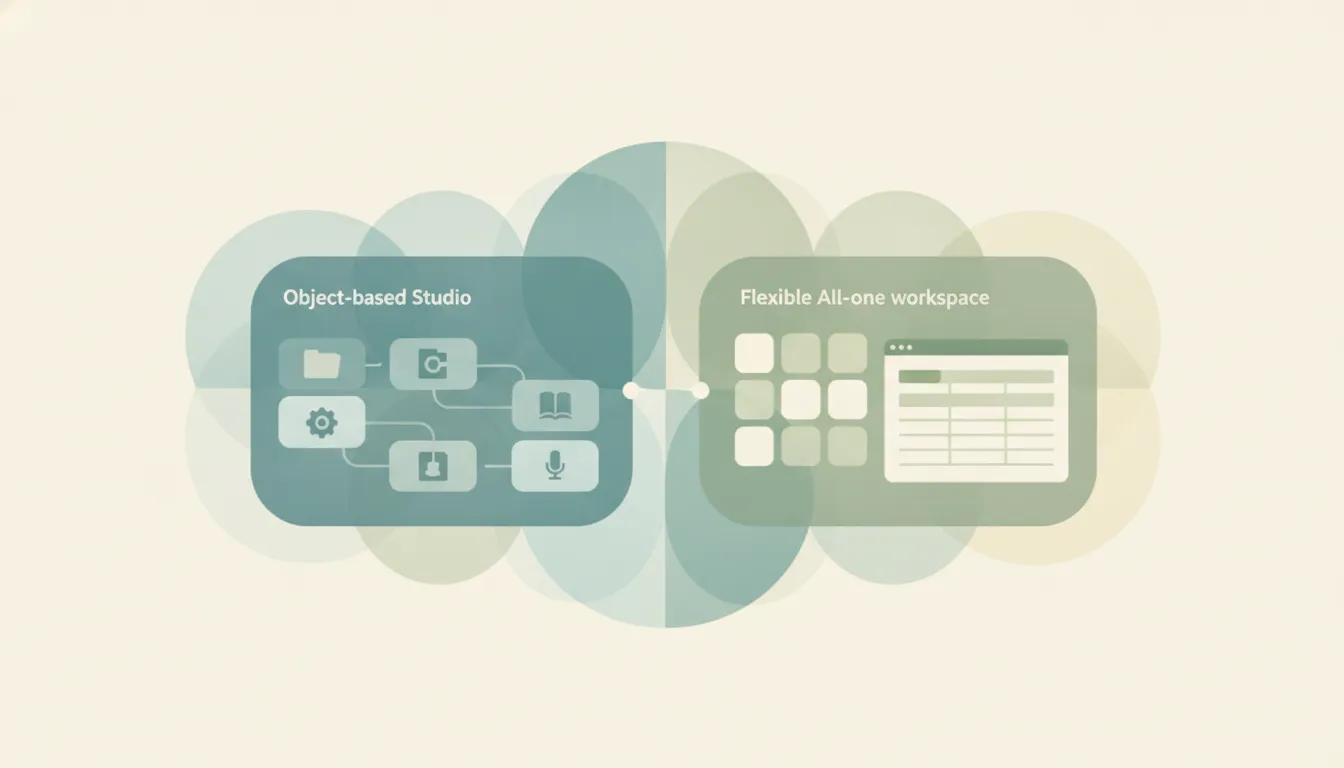
Both tools were built for the same idea, linking notes into a web of thought, but they take opposite routes to get there. Roam Research is a cloud-hosted outliner that popularized [[bidirectional links]], block references, and the daily-notes workflow, where every bullet is an addressable block you can quote or embed anywhere. Obsidian is a free, local-first markdown editor where each note is a plain .md file on your own disk, extended by a 2,000-plus plugin ecosystem, a graph view, a canvas, and the newer Bases feature. In the roam vs obsidian decision, the split comes down to model and cost: if you mainly want fluid, block-level networked thinking in a collaborative hosted app → Roam; if you mainly want free, private, file-based notes you fully own and can extend forever → Obsidian.
The One-Sentence Answer
Pick Roam Research if block references and daily-notes outlining are core to how you think and you’ll pay $165/year for that workflow; pick Obsidian if you want a free, local, endlessly extensible markdown vault that you own outright.
Side-by-Side Comparison
| Roam Research | Obsidian | |
|---|---|---|
| Core strength | Networked outlining, block references | File-based markdown editing |
| How it works | Every bullet is a block in a hosted graph | Every note is a local .md file |
| Best known for | Daily notes, [[links]], block embeds | Plugins, graph view, canvas |
| Pricing model | $15/mo or $165/yr Pro; $500/5yr Believer; no free tier | Free for personal and commercial use |
| Integrations/ecosystem | API + community extensions (roam/js) | 2,000+ community plugins |
| Ideal user | Networked-thought power users, researchers | Writers, tinkerers, long-term note-keepers |
| Setup style | Opinionated outliner, ready on day one | Assemble your own system from plugins |
| Data model / hosting | Cloud-hosted graph (export to markdown) | Local files on your disk, first and always |
When to Use Roam Research
- Block references and embeds are central to your workflow. Roam pioneered treating every bullet as a referenceable block, and its
((block ref))and query fluidity is still what loyal users stay for. - You live in daily notes and want to capture into a dated journal, then let links and the sidebar surface connections as you work.
- You want real-time collaboration on a shared graph, which Roam supports natively on its Pro plan (Obsidian is single-player first).
- You value a ready-made, opinionated outliner and would rather not spend time curating plugins to get a usable system.
When to Use Obsidian
- You want notes that are free and fully yours: plain markdown files on your own disk, with commercial use now free as well (a voluntary $50/yr license is encouraged, not required).
- You want the largest plugin ecosystem in PKM (2,000-plus community plugins), plus a canvas and Bases for turning notes into database-style tables.
- You need a mature, reliable mobile app and smooth performance on large vaults of 10,000-plus notes.
- You care about long-term durability and portability: your library is a folder you can grep, back up, or open in any other editor tomorrow, with no subscription required to keep reading it.
Cost and Momentum: A Hosted Tool That Slowed vs a Free One That Sped Up
The sharpest difference in 2026 isn’t the outliner-versus-editor debate, it’s trajectory and price. Roam charges $15/month or $165/year for Pro (a $500 five-year “Believer” plan works out to about $8.33/month), with no free tier and only a 31-day trial. That’s premium pricing for a category where the two most popular alternatives, Obsidian and Logseq, cost nothing for the way most people use them. Roam’s release pace has also cooled markedly since its 2020-2021 peak: 2025 and 2026 have leaned toward backend stability and integration work (mobile capture via roamOS-style shortcuts, API-driven extensions) rather than headline features, and it has notably not shipped a native AI assistant, unlike much of the field. Its user base is smaller and more devoted than it once was, and plenty of former users have migrated to Obsidian, Logseq, or the newer AI-native outliner Tana.
None of that makes Roam a bad tool. For people whose thinking genuinely runs on block references and dense internal linking, Roam’s model is still the one it invented, and switchers often say nothing else feels quite as frictionless for that specific style. The honest question is whether that workflow is worth $165/year and a slower roadmap to you. Obsidian sits at the opposite corner: free for personal and commercial use as of early 2026, shipping continuously, and monetized only through optional Sync ($4-5/month) and Publish ($8-10/month) add-ons. It’s local-first, so your data lives on your machine rather than a vendor’s server, and its plugin ecosystem means almost any capability, including block references and outlining-style plugins, can be bolted on. The tradeoff is assembly: Obsidian ships fairly bare, and you build your workflow, whereas Roam hands you an opinionated system on day one. See our Logseq vs Obsidian breakdown if you want the open-source outliner angle specifically.
Rule of thumb: if Roam’s block-reference outlining is genuinely how you think and the price doesn’t sting, keep it; if you want a free, local, actively evolving vault you own outright, Obsidian is the safer long-term home.
Whichever knowledge base you keep, the meetings and follow-ups it generates still land in your calendar and inbox. Carly is an AI executive assistant you email or text to schedule meetings, triage email, and run multi-step tasks across 200+ integrations, so your PKM tool stays for thinking while the scheduling and admin get handled elsewhere.
Quick Reference
| Your situation… | Pick… |
|---|---|
| Block references are core to how you think | Roam Research |
| You want free personal and commercial use | Obsidian |
| You need real-time collaboration on one graph | Roam Research |
| You want your notes as local files you own | Obsidian |
| You want the biggest plugin ecosystem | Obsidian |
| You want a ready-made outliner on day one | Roam Research |
Related guides: Logseq vs Obsidian · Obsidian alternatives · Best AI personal assistants
Ready to automate your busywork?
Carly schedules, researches, and briefs you—so you can focus on what matters.
See what people say
"Before Carly, I relied on a Calendly link, but the whole process felt impersonal and not very professional. Carly changed that by handling all the back-and-forth, so I'm no longer stuck in endless email threads trying to line up schedules.
Now Carly reaches out to candidates, shares my real-time availability, lets them pick a slot, then sends a Zoom link and drops it straight into my calendar. She sends reminders to both of us before each call, which has significantly reduced no-shows and last-minute confusion.
On top of scheduling, Carly acts like a full executive assistant, sending me my schedule the night before so I can prepare for each call. It reminds me of the old x.ai assistant, but Carly is noticeably smarter, faster, and better suited to my healthcare recruitment business."