Logseq vs Obsidian: Which PKM Tool to Pick in 2026?
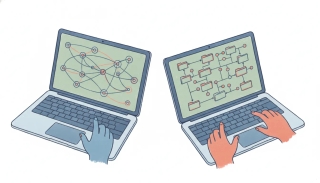
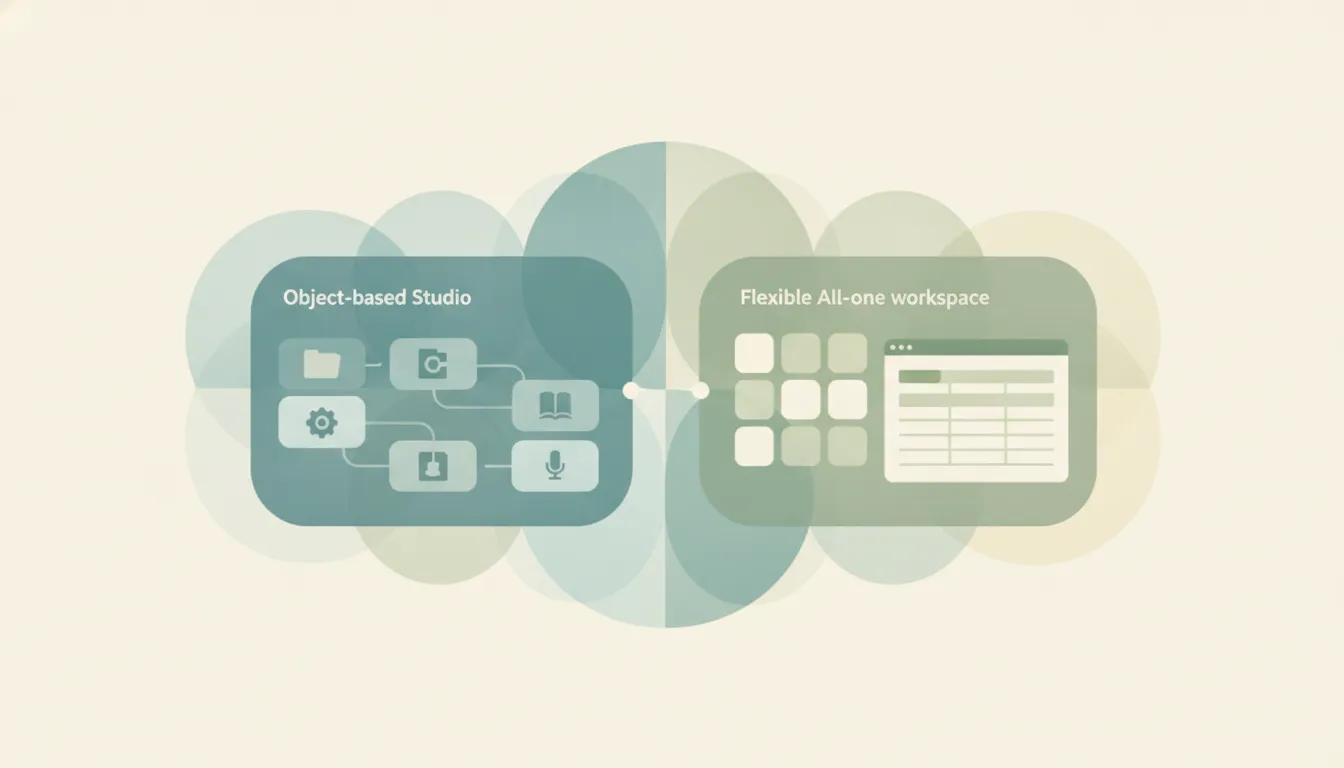
Both are local-first, markdown-friendly tools for building a personal knowledge base, but they’re built on opposite units of thought. Logseq is an open-source outliner where every bullet point is an addressable block, daily journals are the default entry point, and bidirectional linking, queries, tasks, and flashcards are baked into the core. Obsidian is a file-based markdown editor where each note is a plain .md document, extended by a 2,000+ plugin ecosystem, a graph view, a canvas, and the newer Bases feature for turning notes into database-like tables. If you mainly want to think in outlines and capture into journals, Logseq. If you mainly want a flexible, file-based notebook you can extend endlessly, Obsidian.
The One-Sentence Answer
Use Logseq if you think in bullets and want an open-source outliner with journaling and block references built in; use Obsidian if you think in documents and want the deepest, most stable plugin ecosystem in PKM.
Side-by-Side Comparison
| Logseq | Obsidian | |
|---|---|---|
| Core strength | Block-level outlining | File-based markdown editing |
| How it works | Every bullet is a linkable block | Every note is a .md file |
| Best known for | Daily journals, block references | Plugins, graph view, canvas |
| Pricing model | Free + open source; Sync ~$5/mo | Free personal + commercial; Sync $5/mo, Publish $10/mo |
| Plugin ecosystem | ~200 plugins; more built in natively | 2,000+ community plugins |
| Ideal user | Outliner thinkers, capture-first note-takers | Writers, tinkerers, long-form researchers |
| Setup style | Opinionated defaults out of the box | Assemble your own system from plugins |
| License / source | Fully open source (AGPL-3.0) | Proprietary app, but your files stay plain markdown |
When to Use Logseq
- You think in bullet points and outlines, and want every bullet to be a first-class, referenceable block.
- You want daily journals as your home base and prefer to capture first, organize later.
- You want flashcards with spaced repetition, PDF annotation, native queries, and task management without hunting for plugins.
- You care that the software itself is fully open source (AGPL-3.0), inspectable, and self-hostable, not just your files.
When to Use Obsidian
- You write long-form notes, articles, or research and want an editor that feels like a real writing tool.
- You want the largest plugin ecosystem in PKM (2,000+ community plugins) plus a canvas and the Bases feature for table-style views.
- You need a mature, reliable mobile app and smooth performance on large vaults of 10,000+ notes.
- You think in files and folders and are comfortable investing time to assemble and maintain your own setup.
Outliner vs Document: The Distinction That Decides Everything
The real fork is structural, not cosmetic. In Logseq you don’t write a page; you write an outline, and each bullet is a block with its own ID that you can reference, embed, or query from anywhere. That makes it superb for atomic, non-linear thinking, capturing fragments in a journal and letting connections surface later. In Obsidian you write documents. A note is a whole markdown file; linking happens page-to-page (with block references available but secondary). That makes it the better starting point for anything you plan to read top-to-bottom, like an essay or a literature review.
Two 2026 developments sharpen the choice. Logseq is splitting into two apps: “Logseq OG,” the file-based markdown version now in maintenance mode, and the new database-backed “Logseq,” whose DB version is still in beta with the rebuilt mobile app in alpha and possible data loss, so backups are advised. If you adopt Logseq today you’re choosing between a stable-but-frozen OG app and a promising-but-unfinished DB rewrite. Obsidian, by contrast, made a quieter but meaningful move: as of early 2026 commercial use is free with no license required, the core app (including Bases) costs nothing for personal or business use, and money only changes hands for optional Sync ($5/mo) or Publish ($10/mo). Obsidian’s plugin depth is its moat, but it’s also its tax: the app ships fairly bare, and you assemble your workflow. Want spaced-repetition flashcards, a Kanban board, or database-style tables in Obsidian? That’s the Spaced Repetition plugin, the Kanban plugin, and Bases, all bolted on. In Logseq those capabilities, plus native queries and PDF annotation, are part of the core outliner, so a new user gets a usable system on day one without curating a plugin list. The flip side is ceiling: Obsidian’s 2,000-plus community plugins let power users bend the app into almost anything, from a full task manager to a spreadsheet to a publishing pipeline, while Logseq’s roughly 200 add-ons cover less ground. You’re trading Logseq’s batteries-included defaults against Obsidian’s near-unlimited customization.
If neither is the answer, Logseq alternatives widens the field.
The deeper you look, the more the two tools reward different temperaments. Obsidian is the safer bet if you value continuity: it handles vaults of 10,000-plus notes without slowing down, its iOS and Android apps are mature and well reviewed, and its file-per-note storage means your entire library is a folder of plain .md files you can grep, back up, or open in any other editor tomorrow. That portability is Obsidian’s quiet insurance policy against ever being locked in. Logseq stores its OG graphs as markdown too, but the DB version moves data into a SQLite database, which buys better performance and sync at the cost of the “it’s just files” simplicity that drew many people to plain-text PKM in the first place. On large or mobile graphs, Logseq has historically felt heavier than Obsidian, and the in-progress rewrite is aimed squarely at closing that gap.
Cost and openness cut the other way. Both apps are free for the way most individuals use them, and both keep your notes in open formats, so neither traps your data. But only Logseq is open source: the application code is AGPL-3.0, meaning you can inspect it, fork it, or self-host it, which matters to people who want their thinking tool to outlive any one company’s roadmap. Obsidian’s app is proprietary, and while its business model is unusually generous, the graph view, canvas, and Bases you build on are ultimately controlled by a private team. Sync is the one place both charge the same $5/mo, though with Logseq you can also point either version at your own storage and skip the fee entirely.
Rule of thumb: if your notes are a stream of small, interlinked thoughts, Logseq’s outliner earns its keep; if your notes are documents you’ll read and publish, Obsidian’s editor and ecosystem win.
Whichever knowledge base you keep, the meetings and follow-ups it generates still land in your calendar and inbox. Carly is an AI executive assistant you email or text to schedule those meetings, triage email, and run multi-step tasks across 200+ integrations, so your PKM tool stays for thinking while the admin gets handled elsewhere.
Quick Reference
| Your situation… | Pick… |
|---|---|
| You think in bullets and outlines | Logseq |
| You write long-form documents | Obsidian |
| You want fully open-source software | Logseq |
| You want the biggest plugin ecosystem | Obsidian |
| You want journaling and flashcards built in | Logseq |
| You need a rock-solid mobile app today | Obsidian |
Related guides: Notion alternatives · Best AI personal assistants · Best AI tools for productivity
Ready to automate your busywork?
Carly schedules, researches, and briefs you—so you can focus on what matters.
See what people say
"Before Carly, I relied on a Calendly link, but the whole process felt impersonal and not very professional. Carly changed that by handling all the back-and-forth, so I'm no longer stuck in endless email threads trying to line up schedules.
Now Carly reaches out to candidates, shares my real-time availability, lets them pick a slot, then sends a Zoom link and drops it straight into my calendar. She sends reminders to both of us before each call, which has significantly reduced no-shows and last-minute confusion.
On top of scheduling, Carly acts like a full executive assistant, sending me my schedule the night before so I can prepare for each call. It reminds me of the old x.ai assistant, but Carly is noticeably smarter, faster, and better suited to my healthcare recruitment business."