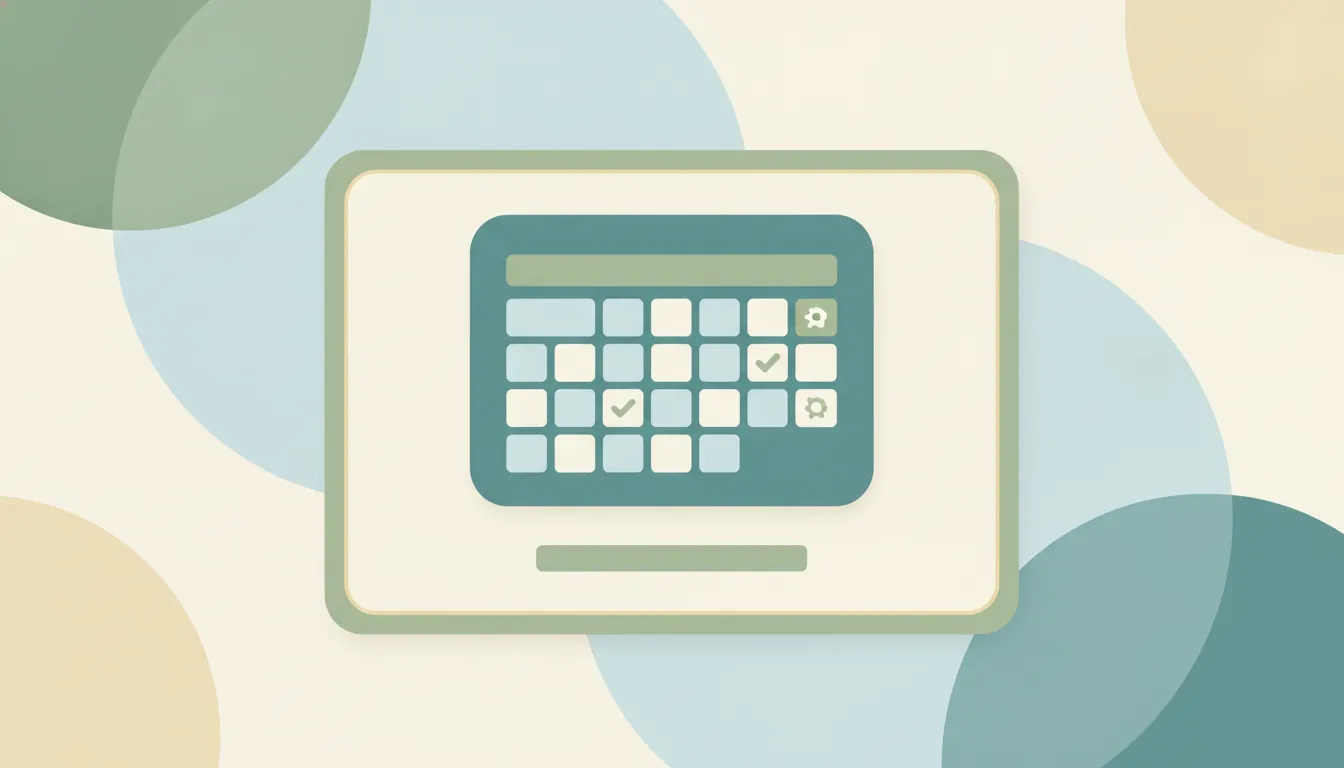
How to Add Google Calendar to Windows (2026)
Get Google Calendar on your Windows desktop and taskbar — sync it to the Windows Calendar app, pin a Chrome or Edge shortcut, or use a desktop client.
6 posts
Get Google Calendar on your Windows desktop and taskbar — sync it to the Windows Calendar app, pin a Chrome or Edge shortcut, or use a desktop client.
Get the Dropbox folder into Windows File Explorer (or Mac Finder) by installing the desktop app, plus how to fix a missing Dropbox sidebar entry.

Two different problems, two fixes: reclaim local disk space with Files On-Demand's 'Free up space,' and clear room in your OneDrive cloud storage when your account is full.
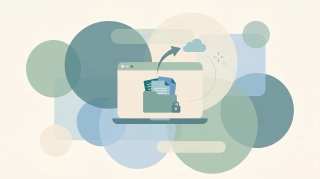
Three ways to remove OneDrive — unlink it, hide it from File Explorer, or fully uninstall it — all without deleting your files. Pick the level that fits, with steps for Windows 10 and 11.

Pause, stop, or fully turn off OneDrive sync on Windows and Mac — pause for a few hours, stop syncing one folder, or disable OneDrive entirely without losing your files.

Stop OneDrive from backing up your Desktop, Documents, and Pictures folders — without losing files or ending up with two copies. Here's how to turn off folder backup cleanly on Windows and Mac.