Tana vs Notion: Which Workspace Fits How You Think in 2026?
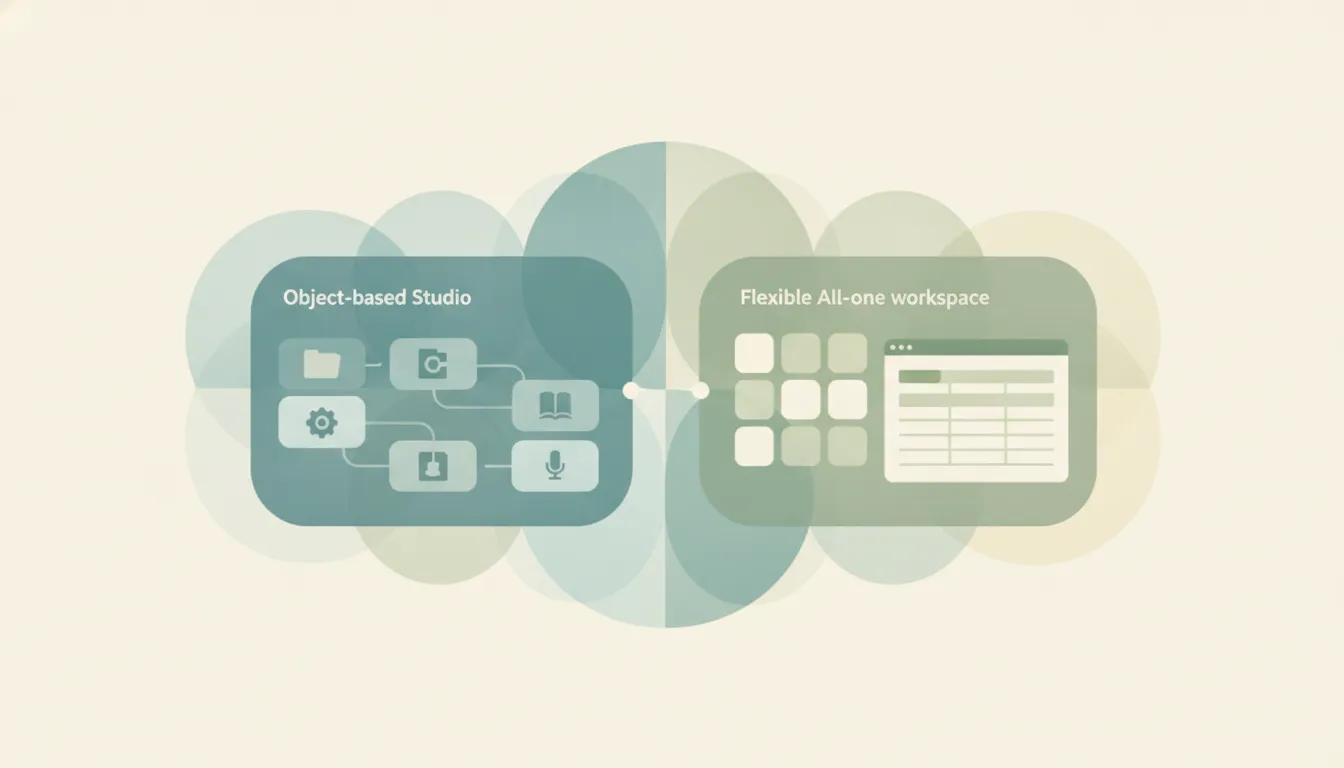
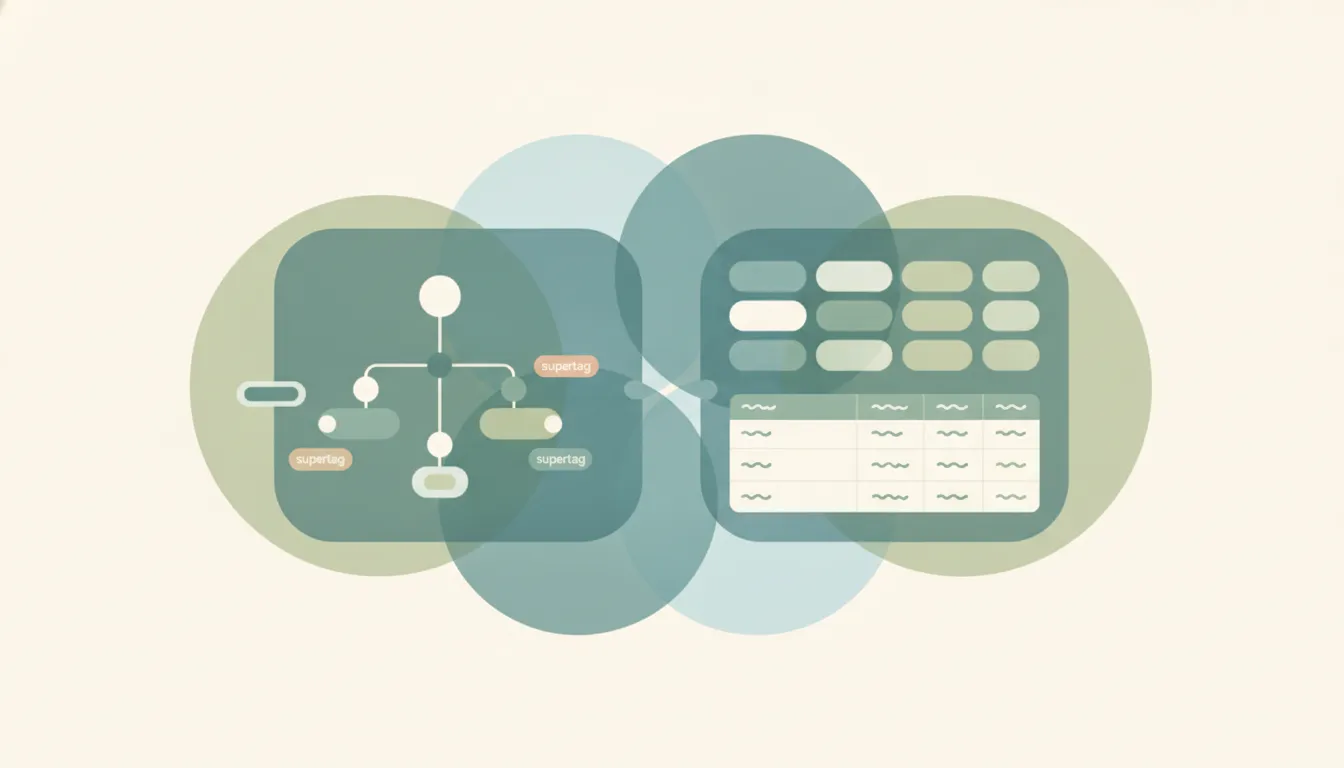
Both tools promise to be the single place your notes, tasks, and projects live, but they get there from opposite directions. Tana is an AI-native, outliner-based workspace where “supertags” turn any bullet into structured, queryable data, with voice and meeting capture built in. Notion is a flexible all-in-one workspace, blending docs, wikis, databases, and projects into a familiar block-based canvas that a whole team can adopt quickly. Tana rewards people who want to design their own knowledge graph; Notion rewards people who want to start writing immediately and grow structure later. One treats structure as something the AI helps you extract from raw capture; the other treats it as scaffolding you and your team build and share. If you mainly want a personal, AI-first system for networked thinking and effortless capture, pick Tana; if you mainly want a shared, easy-to-adopt workspace for a team, pick Notion.
The One-Sentence Answer
Choose Tana if you are a power user building a personal, AI-native knowledge system, and choose Notion if you want a flexible workspace your whole team can use reliably from day one.
Side-by-Side Comparison
| Tana | Notion | |
|---|---|---|
| Core strength | AI-native outliner with supertags | Flexible all-in-one workspace |
| How it works | Outliner of connected nodes; tag any bullet to give it typed fields | Block-based canvas; drag content and build databases and pages |
| Best known for | Supertags, live queries, voice and meeting capture | Docs, wikis, databases, and team collaboration |
| Pricing model | Free tier; Plus around $8/mo and Pro around $10/mo billed annually | Free tier; Plus $10/user/mo and Business $20/user/mo billed annually |
| AI features | Native AI (GPT-5.1, Gemini 3 Pro, Claude Sonnet 4.5), meeting agent, voice chat | Notion AI, AI Meeting Notes, Notion Agent and Custom Agents (Business tier) |
| Ideal user | Solo power users and small teams optimizing a knowledge system | Individuals and teams wanting shared docs and lightweight databases |
| Setup style | Model your own schema with supertags and fields | Start from templates and add structure as you go |
| Learning curve | Steep; expect tutorials before it clicks | Gentle; usable within an afternoon |
When to Use Tana
- You want to capture first and organize later, turning freeform bullets into structured records only when they matter.
- You live in meetings and want AI to transcribe, summarize, and file action items automatically, including a “Hey Tana” voice agent that captures items live.
- You think in connections and want a queryable knowledge graph where the same node can be a note, a task, or a project depending on its supertags.
- You are a solo builder or small team willing to invest in a learning curve for long-term power over your information.
- You want your notes, tasks, and CRM-style records to share one graph, so filtering all #project nodes by status or grouping #person nodes by company is a live query rather than a rebuild.
When to Use Notion
- You need a workspace multiple people can adopt quickly without training, from a clean, Google-Docs-like editor.
- You want one place for wikis, meeting notes, project trackers, and docs, with a huge template library to start from.
- You value drag-and-drop flexibility over a rigid schema, and want to add databases and views as needs emerge.
- You want team features like granular permissions, shared spaces, and AI agents that act across a shared workspace.
- You benefit from a mature ecosystem of templates, integrations, and community knowledge, so you rarely have to build a system from scratch.
The Deciding Axis: Do You Want to Design Structure or Borrow It?
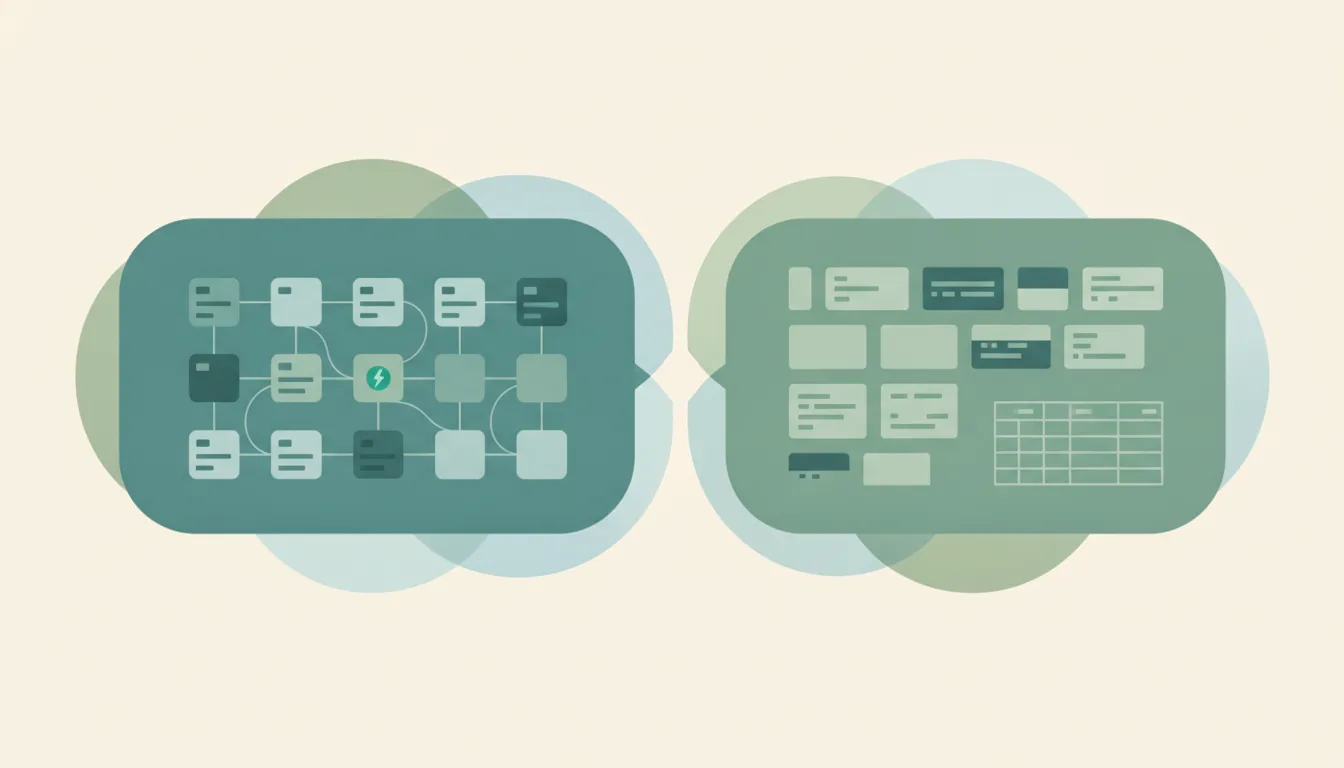
The honest split is about who does the structuring work. Notion asks you to make decisions up front: before you jot a client note, you may be creating a database, choosing property types, and building a view. That friction is the price of a system anyone on your team can read and use immediately, and it is why Notion scales so well across people who did not build the workspace. Tana inverts the order. You write in a plain outliner, then apply a supertag like #project or #person, and the bullet instantly gains the typed fields and queries you defined for that tag. Organization becomes an enhancement layered onto capture, not a prerequisite that kills the idea before it lands.
If Tana is the one being replaced, Tana alternatives covers the options.
That inversion is powerful, but it is also why Tana has a genuinely steep learning curve while Notion is usable within an afternoon. Tana’s AI-native design pays off most for people who capture constantly, especially in meetings, where its botless notetaker records system audio from Meet, Teams, and Zoom and auto-generates a tagline, summary, and outcome proposals when the recording ends. Its voice agent, triggered by “Hey Tana,” can propose supertags and pull structured items out of the last few minutes of conversation while you keep talking. That is a different kind of value than Notion offers, and it is aimed squarely at the individual operator rather than the group.
Notion’s advantage shows up the moment more than one person needs to touch the workspace. Its block model, template ecosystem, and permissions were built so someone who did not design the space can still navigate it, which is why it wins for wikis, cross-functional docs, and project trackers. The tradeoff is where the AI now lives: the autonomous features most people picture, Notion Agent, AI Meeting Notes, and Enterprise Search, sit in the Business tier at $20 per user per month, and Custom Agents run on a metered credit system (roughly $10 per 1,000 monthly credits) on top of that seat price. Tana’s Plus and Pro tiers are cheaper per seat, but the product rewards individual mastery more than a broad team rollout, and both apps meter AI usage, so heavy AI use is a real line item on either side. Watch two more gotchas before committing: Notion’s free tier has a small 5 MB file-upload cap and only 7-day page history, while Tana’s free tier caps you at roughly 1,000 nodes, which a heavy daily capturer will hit fast.
Rule of thumb: If the workspace is mostly yours and you want AI to structure and capture as you think, choose Tana. If the workspace has to work for a team on day one, choose Notion.
If what you actually want is not another workspace to maintain but for the admin work to just get handled, that is a different tool entirely. Carly is an AI executive assistant you email or text: it schedules meetings, triages email, and runs multi-step tasks across 200+ integrations, and it connects to Notion so notes and action items can flow into the workspace you already keep. It is not a note app, but it removes the coordination overhead that otherwise ends up living in one.
Quick Reference
| Your situation… | Pick… |
|---|---|
| Building a personal knowledge system | Tana |
| Rolling out a workspace to a whole team | Notion |
| Capturing meetings with AI, hands-free | Tana |
| Starting from templates and familiar docs | Notion |
| You think in connected, queryable nodes | Tana |
| You want the easiest possible onboarding | Notion |
Related guides: Notion alternatives · Obsidian vs Notion · Best AI productivity tools
Ready to automate your busywork?
Carly schedules, researches, and briefs you—so you can focus on what matters.
See what people say
"Before Carly, I relied on a Calendly link, but the whole process felt impersonal and not very professional. Carly changed that by handling all the back-and-forth, so I'm no longer stuck in endless email threads trying to line up schedules.
Now Carly reaches out to candidates, shares my real-time availability, lets them pick a slot, then sends a Zoom link and drops it straight into my calendar. She sends reminders to both of us before each call, which has significantly reduced no-shows and last-minute confusion.
On top of scheduling, Carly acts like a full executive assistant, sending me my schedule the night before so I can prepare for each call. It reminds me of the old x.ai assistant, but Carly is noticeably smarter, faster, and better suited to my healthcare recruitment business."