Can Claude Connect to Multiple Google Drive Accounts?
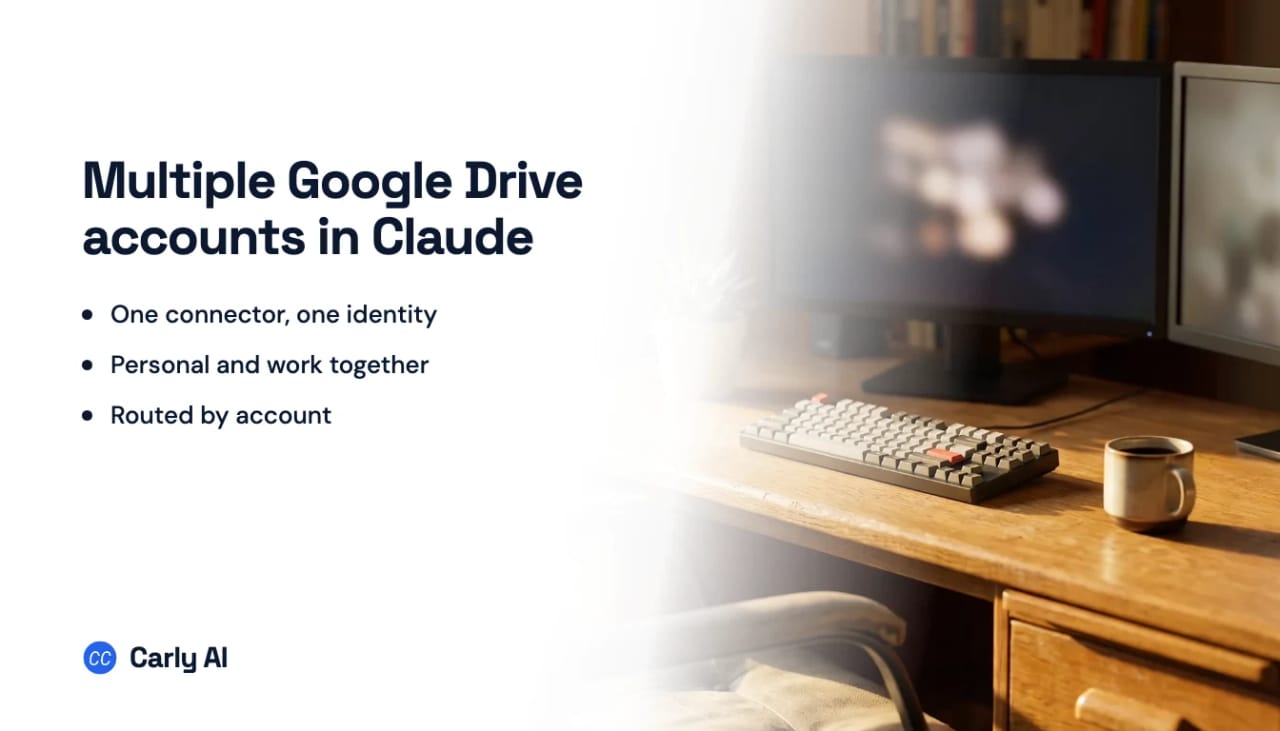
No, just one. Claude’s Google Drive connector authorizes a single Google account. Connect a second one and it replaces the first, along with that account’s Gmail and Calendar, because one Google sign-in covers all three.
With Carly, Claude gets all of them. Add the Carly connector and Claude searches, reads and files across your personal Drive, your work Drive and your clients’ Drives in the same chat.
Do this instead
- Connect every Drive at carlyassistant.com/integrations: personal, work and any client Workspace, plus OneDrive, Dropbox or Box if you use them.
- Click Get the Carly connector, then Connect, and sign in with your Carly account.
- Ask across all of them at once:
Find the latest signed version of the Hale Construction contract in any of my Drives and tell me which account it’s in.
That’s it. Get started at carlyassistant.com.
What Claude’s Drive connector can hold
| Claude on its own | Claude + Carly | |
|---|---|---|
| Google Drive accounts at once | One | All of them |
| Personal and work Drive in one question | No | Yes |
| Adding a second Google account | Replaces Drive, Gmail and Calendar | Adds it beside the others |
| OneDrive, Dropbox and Box alongside | Work OneDrive only, through Microsoft 365 | Yes |
| Files email attachments into Drive automatically | No | Yes |
Connector authorization is per account, not per person. Claude and Gemini each hold one Google account at a time, so the second inbox is reachable only by replacing the first. Anthropic has an open feature request asking for several named accounts on one connector, which is a fair signal it is not possible today. Carly carries all of them at once.
Sharing a folder from one account to the other gets a few files across, but you maintain it by hand and the rest of the second Drive stays out of reach.
What Claude can do across every Drive with Carly
- Search all of them at once. “Where’s the Q3 board deck?” checks every Drive you connect, not just the one you signed into last.
- Read and summarize a doc, sheet or PDF from any account.
- Create and edit Google Docs in the right account, and make folders where they belong.
- Upload files from a chat or an email into the correct client’s folder.
- Work across files and mail together. “Send Emily the latest proposal from the client Drive” finds the file and sends it from the right inbox.
What runs without a chat open
Carly starts work the moment something lands, in every account you connect:
- File every email attachment into the matching client’s Drive folder and log it in a sheet.
- Save signed contracts to the right Drive and text you when they arrive.
- Back up invoices and receipts from all your inboxes into one Drive folder for your bookkeeper.
- Copy a template doc for each new client into their folder and email them the link.
Set them up from a Claude chat or at carlyassistant.com/workflows, as free Zapier-style workflows. Carly connects to thousands of apps, so the other end can be QuickBooks, Slack, your CRM or anything else.
Full walkthrough with the connector screens: how to connect multiple Google Drive accounts to Claude.
Frequently asked questions
Can Claude connect two Google Drive accounts?
Not natively. The Google Drive connector holds one Google account, and connecting another replaces it. Connect both to Carly and add the Carly connector once, and Claude reaches both.
Why does adding a second Drive change my Gmail too?
One Google sign-in covers Gmail, Calendar and Drive together, so switching accounts swaps all three. Through Carly, each Google account connects on its own and stays connected.
Can Claude search my personal and work Google Drive at the same time?
Yes, with Carly. Ask once and it searches every Drive you’ve connected, then tells you which account each file is in.
Can Claude reach OneDrive and Google Drive together?
Claude’s Microsoft 365 connector covers a work OneDrive for one account. Through Carly, Google Drive, personal and work OneDrive, Dropbox and Box all sit side by side.
Can Claude edit files that already exist in Drive?
Through Carly, Claude can edit Google Docs and file documents into the right folder in any connected account.
How many Drives can Carly hold?
As many as you connect at carlyassistant.com/integrations. Add a client’s Drive when the work starts and remove it when it ends.
More: How to connect multiple Google Drive accounts to Claude · Can Claude connect to multiple email accounts? · Can Claude connect to multiple Gmail accounts? · Claude + Google Drive · Multiple Google Drive accounts in ChatGPT
Ready to automate your busywork?
Carly schedules, researches, and briefs you—so you can focus on what matters.
See what people say
"Before Carly, I relied on a Calendly link, but the whole process felt impersonal and not very professional. Carly changed that by handling all the back-and-forth, so I'm no longer stuck in endless email threads trying to line up schedules.
Now Carly reaches out to candidates, shares my real-time availability, lets them pick a slot, then sends a Zoom link and drops it straight into my calendar. She sends reminders to both of us before each call, which has significantly reduced no-shows and last-minute confusion.
On top of scheduling, Carly acts like a full executive assistant, sending me my schedule the night before so I can prepare for each call. It reminds me of the old x.ai assistant, but Carly is noticeably smarter, faster, and better suited to my healthcare recruitment business."