Can Claude Cowork Connect to Multiple Google Calendars?
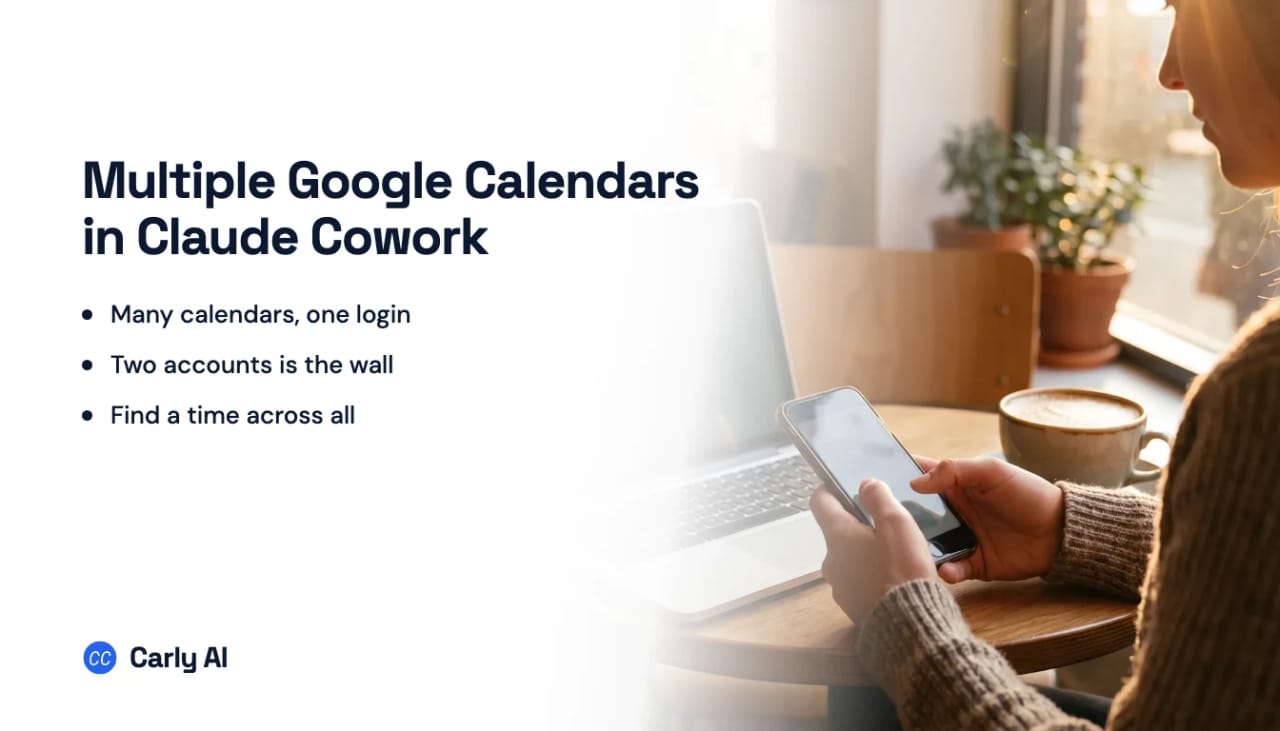
Yes and no. Claude Cowork reads every calendar inside the one Google account you connected: your primary calendar, team calendars and anything shared to you. It cannot hold a second Google account. Connecting your personal account replaces your work one, Gmail and Drive included.
With Carly, it holds all of them. Add the Carly connector in Claude and one Cowork task sees every calendar you have, Google and Outlook alike.
Do this instead
- Connect each Google Calendar account at carlyassistant.com/integrations, plus any Outlook calendars.
- In Claude, click Get the Carly connector, then Connect, and sign in with your Carly account.
- In the Cowork task’s + menu, choose Connectors and turn Carly on.
- Ask across all of them at once:
Every Sunday at 6pm, look at all my calendars for the coming week, flag every conflict between them, and tell me which days I have no time to prep.
Get started at carlyassistant.com.
Two kinds of multiple
A single Google account can carry a dozen calendars, and Cowork already reaches all of them. The problem is one person with two Google accounts: a work Workspace and a personal Gmail, or two client domains. That has no native answer.
One connector, one account. That is still the shape in Claude and Gemini. The Gmail or Google Workspace connection authorizes a single account, so a second account overwrites the first instead of sitting beside it. Anyone running a personal address and a work address does the disconnect and reconnect dance to move between them. Connect all of them to Carly instead and the dance stops.
On a schedule, the gap turns into wrong answers nobody catches. A Sunday preview built from your work account says Thursday afternoon is open. Your personal account has the kids’ dentist at 3pm. Cowork books over it, and nothing in the task’s output says the other calendar was never checked.
What a Cowork task can do once Carly is connected
- Read every calendar at once. Work and personal Google accounts, client domains and Outlook calendars in one run.
- Find time that is really free. Availability is checked across all of them before anything is proposed.
- Book on the right calendar. The client meeting goes on the work account, the school event goes on the family one.
- Give people a link. Booking pages check every connected calendar, so nobody grabs a slot that is taken somewhere else.
- Start when something changes. A new booking or a cancelled meeting can kick off a Carly workflow on its own, with no schedule to wait for.
| Google accounts at once | Outlook calendars too | Starts on calendar changes | |
|---|---|---|---|
| Claude Cowork | One | One work account, separately | No, schedule only |
| Claude Cowork + Carly | All of them | Yes, together | Yes |
Free Zapier-style workflows; AI agents from $35/month. Connect your calendars.
Full walkthrough with the connector screens: how to connect multiple Google Calendars to Claude Cowork.
Frequently asked questions
Can Claude Cowork see a calendar someone shared with me?
Yes, if it was shared to the Google account you connected. It reaches that calendar through the same account. A calendar in a different Google account of your own needs Carly.
Can Cowork check my work and personal Google Calendars together?
Not natively, because a second Google account replaces the first. Connect both to Carly and add the Carly connector in Claude, and every task sees both.
Can Cowork book meetings across two Google accounts?
Through Carly, yes. Carly checks every connected calendar for free time and puts the event on the right one.
Does this work for Outlook calendars too?
Yes. Carly holds Google and Outlook calendars side by side. See can Claude connect to multiple Outlook calendars.
More: How to connect multiple Google Calendars to Claude Cowork · Can Claude connect to multiple Google Calendar accounts? · Can Claude Cowork connect to multiple email accounts? · Claude Cowork multiple accounts · Best AI assistants for multiple Google Calendars
Ready to automate your busywork?
Carly schedules, researches, and briefs you—so you can focus on what matters.
See what people say
"Before Carly, I relied on a Calendly link, but the whole process felt impersonal and not very professional. Carly changed that by handling all the back-and-forth, so I'm no longer stuck in endless email threads trying to line up schedules.
Now Carly reaches out to candidates, shares my real-time availability, lets them pick a slot, then sends a Zoom link and drops it straight into my calendar. She sends reminders to both of us before each call, which has significantly reduced no-shows and last-minute confusion.
On top of scheduling, Carly acts like a full executive assistant, sending me my schedule the night before so I can prepare for each call. It reminds me of the old x.ai assistant, but Carly is noticeably smarter, faster, and better suited to my healthcare recruitment business."