
Can Claude Cowork Connect to Multiple Google Calendars?
Calendars inside one Google account, yes. A second Google account, no: it replaces the first. Add the Carly connector and Cowork sees every calendar.
63 posts
Calendars inside one Google account, yes. A second Google account, no: it replaces the first. Add the Carly connector and Cowork sees every calendar.

X Calls is X's new video meeting app at call.x.com, in beta since Oct 2, 2026. What it does, how to start or join a call, and how it compares to Zoom.

Copy-paste meeting invite templates for team meetings, client calls, interviews, 1:1s and reschedules, plus what every invite needs and how to send one.

Calendly review for 2026: what it does, verified plan prices, Callie and Notetaker, real user quotes, the pros and cons, and whether it's worth paying for.

The best AI calendar assistants for ADHD, judged on one test: does it keep your calendar right on its own, or only work when you open it and plan?

The best AI assistants for Calendly: Callie, Notetaker, and the agent that schedules across every inbox and does the work around the meeting.

The best AI assistants for Google Meet, split by job: booking the call, capturing what was said, and doing the follow-up. Plus who actually gets Gemini notes.

We tested 8 AI assistants against two or more Google Calendars. Which schedule across all of them, which hold one login, and which only display the grid.

We tested 8 AI assistants against two or more Outlook calendars. Which book across every tenant, which stay inside one licensed seat, and what each costs.

The best AI assistants for Zoom, split by the job you actually have: booking the call, capturing what was said, and doing the follow-up afterwards.

Yes, since August 2026. Secondary and team calendars stay undocumented, and Outlook is a separate connector. Here is what it covers and what it misses.

No. Claude's Google connector holds one account. Shared calendars under that login work; a second login does not. With Carly, Claude holds both.

Housecall Pro is $59, $149, or $299 a month billed annually. Included users and the $100 per extra user charge decide the bill more than the tier does.
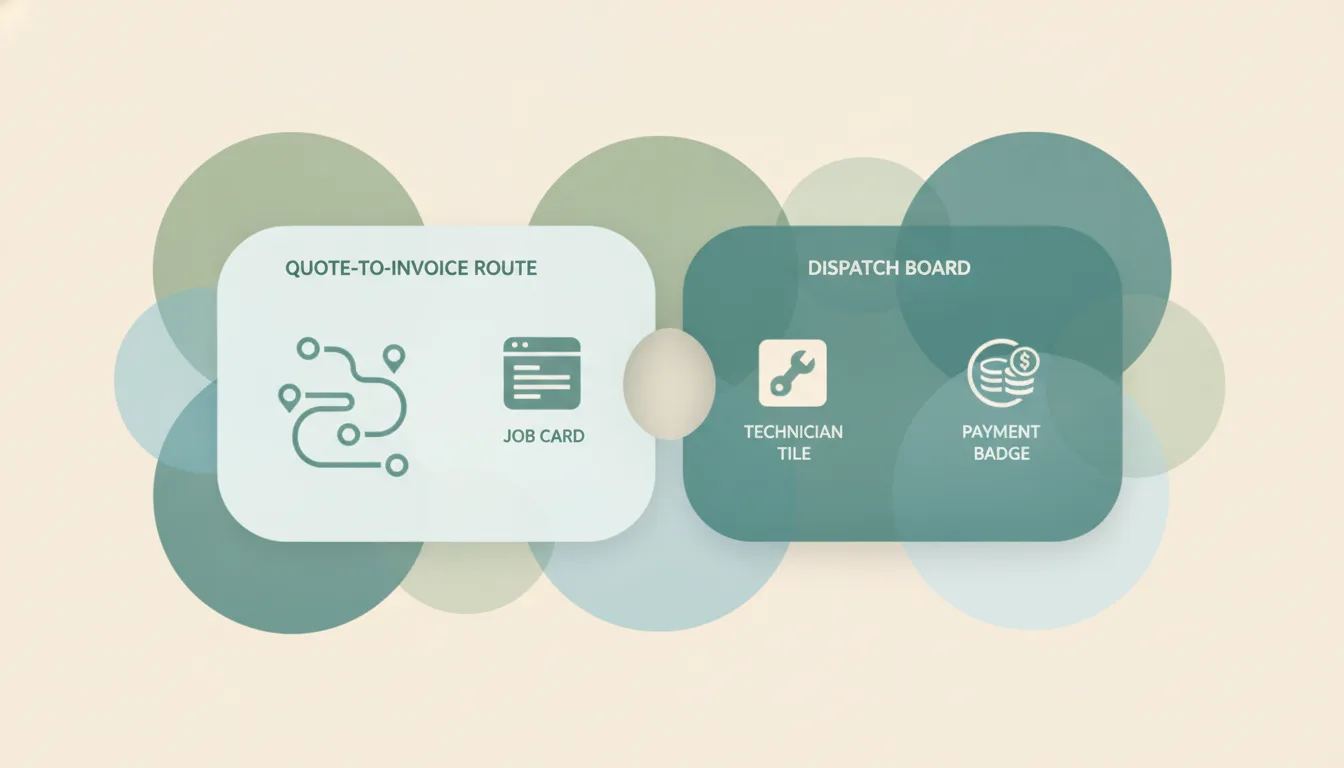
Jobber starts at $29 a month for one user. Add a second person and the entry plan disappears, so the real starting price for a crew is $149 a month.

Calendly shipped Callie, an AI assistant you CC into email threads, plus Notetaker. Both sit behind new Standard Plus and Teams Plus tiers at $18 and $24.

Callie is Calendly's AI assistant you CC into email to book meetings. What it handles, the plan it requires, and the mailbox limits to plan around.

Calendly's new Standard Plus and Teams Plus cost $18 and $24 per seat monthly. What the extra $8 buys, the seat tiers, and when the upgrade is not worth it.

Acuity is $16, $27, or $49 a month billed annually. The tiers are sold by calendar count, there is no free plan, and monthly billing costs 20% more.

Doodle markets AI-enabled coordination, but the actual AI features live on an Enterprise plan starting at USD 15k. What the free and Pro tiers really get.

Calendly Notetaker records meetings, writes recaps and drafts follow-ups. What it covers, which platforms it joins, and how the gradual rollout works.

How to use the Outlook Scheduling Assistant in every version, what the free/busy colors mean, why external attendees show as blank, and what to do instead.

Every Calendly tier in 2026: Free, Standard, Standard Plus, Teams, Teams Plus, Enterprise. Per-seat rates plus the costs the pricing page glosses over.

Google's smart features now default ON and feed Gemini. These 8 Google Calendar alternatives cover privacy, speed, and a calendar that manages itself.

Calendly is the standalone booking-link leader that works with any calendar; Microsoft Bookings is the appointment app bundled into Microsoft 365. Here's which to pick in 2026.

Doodle is built around group time polls; Calendly is the leading personal booking-link tool. Here's which to pick in 2026.
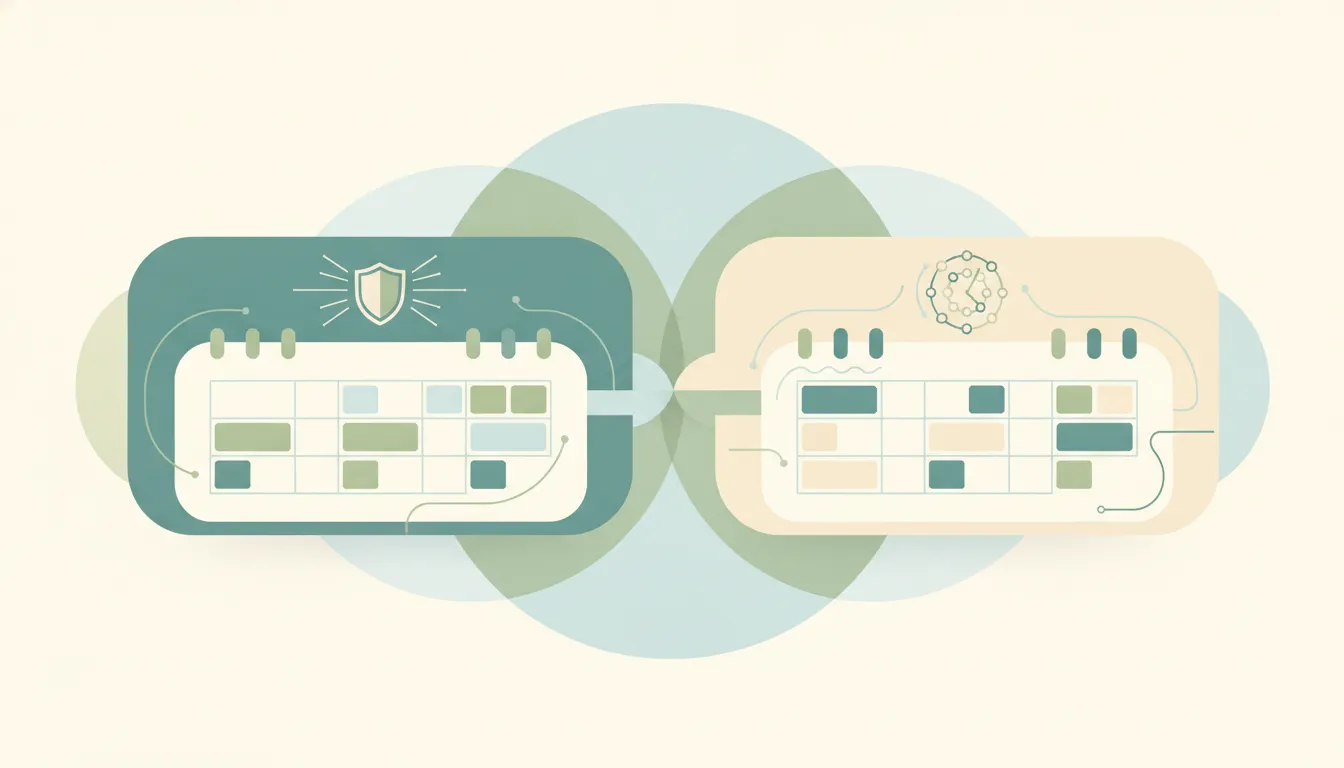
Reclaim is a polished, team-friendly auto-scheduler with habits and smart 1:1s; SkedPal is the veteran that schedules deep work with Time Maps. Here's which to pick in 2026.

SkedPal is a focused, affordable time-map auto-scheduler; Motion is a premium all-in-one work platform that bundles scheduling with project management. Here's which to pick in 2026.
ChatGPT can read your calendar and suggest times, but it can't reliably book meetings on its own. What works, what fails, and what to use instead.

Calendly retired Essentials and Professional for new customers. Here is the current six-plan lineup, who kept their old plan, and what to do next.
Set due dates in Asana, add due times and start dates, create recurring due dates, use natural-language date entry, and see how dependencies shift dates.

Send a calendar invite in Outlook across New, Classic, web, and Mac — add attendees and a Teams link, BCC people, and forward an existing invite.

Schedule a meeting in Outlook from new Outlook, classic desktop, the web, or mobile — add attendees, make it a Teams meeting, set recurrence, and use Scheduling Assistant to find free times.
Calendly's free plan gives 1 event type, unlimited meetings, and 1 calendar connection, but locks multiple event types, multi-calendar conflict checking, and reminders behind paid plans.

Use LinkedIn's native scheduler (the clock icon) to schedule a post, find and edit scheduled posts, and work around the timing limits.

How to change your primary time zone in Google Calendar, add a secondary zone, and set per-event time zones — on desktop web and the mobile apps.

How to change your Outlook calendar time zone on the web, new Outlook, and classic Outlook — plus updating it when you travel and showing a second zone.

How to use Asana's Calendar view — see tasks by due date, drag to reschedule, color-code by field, view My Tasks on a calendar, and sync to Google or Outlook.

Outlook has no native travel-time feature like Apple or Google Calendar. Here's how to block travel time before and after events — manual buffers, color categories, recurring commute blocks, Bookings buffer time, and automation.

Schedule a Google Meet from Google Calendar, Gmail, or the Meet app — add guests, set it to repeat, and share the link so everyone joins the right call.

Schedule a Zoom meeting from the desktop app, web portal, or your calendar — set the time, passcode, waiting room, and recurring options, then send the invite so everyone gets the link.
Schedule Slack messages from the send button dropdown, edit or cancel scheduled messages, time zone handling, mobile support, and threading limits.

How to use Google Calendar's Find a time tab to schedule meetings across calendars, plus Gemini's Suggested times, time zone tricks, and what to do when external attendees don't show free/busy.

Use Outlook Scheduling Assistant to find free time, add attendees, AutoPick a slot, and book rooms across new Outlook, web, classic, and Mac.

Step-by-step instructions for sharing free time slots from your Outlook calendar in an email — no add-in, no link, just clean availability blocks recipients can click.
Step-by-step guide to creating calendar events in Outlook — web, desktop, classic, and mobile, plus meeting invites, all-day events, and shortcuts.

Set up Carly's daily briefing in 5 minutes — an automated morning email that summarizes your schedule, flags conflicts, and preps you for every meeting.
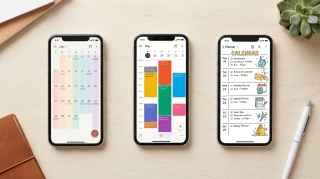
The best calendar apps in 2026 — reviewed by features, platform support, AI capabilities, and price. From Google Calendar and Fantastical to AI assistants like Carly.

Step-by-step guide to creating calendar invites in Google Calendar on desktop and mobile — adding guests, setting reminders, attaching video links, and managing RSVPs.

For dozens of professions, the calendar isn't just a scheduling tool. It's the single most accurate record of what's actually happening in the business.
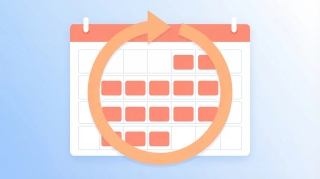
Learn how to create, edit, and manage recurring meetings in Google Calendar. Covers custom repeat patterns, exceptions, and best practices.
How to schedule a meeting with multiple people without endless email threads. Polls, availability grids, calendar tools, and AI — step by step.
Stop going back and forth to find meeting times. CC Carly on any email thread and she handles the scheduling for you. See real email examples.
Carly can start email conversations on your behalf, handle the back-and-forth, and update you when meetings are booked. See how delegated outreach works.
Every method for finding a meeting time that works for a group — polls, scheduling assistants, shared calendars, and AI — with step-by-step instructions for each.
Scheduling a meeting with 5+ people is painful. Carly's availability polls make it easy — see exactly how it works with real email examples.
Learn how to schedule meetings instantly by emailing Carly. Step-by-step walkthrough with real email examples showing the full scheduling flow.
Copy-paste email templates for sending your availability, plus step-by-step instructions for Outlook, Gmail, and the tools that eliminate the back-and-forth entirely.
Make your meeting proposals clickable. Learn how to set up Carly's click-to-book links so recipients can book meetings with literally one click.
Step-by-step instructions for sharing your calendar on every major platform — Google Calendar, Outlook, and iPhone — plus a smarter way to share just your availability.
Manage your calendar from your phone with a text message. Learn how to schedule, cancel, and check your day using Carly's SMS feature.
![How to Schedule Meetings Without the Back-and-Forth [2026]](/_vercel/image?url=_astro%2Fschedule-meetings-hero.BFNkYM6c.webp&w=320&q=100)
Tired of endless email chains to schedule meetings? Learn 7 proven methods to eliminate back-and-forth and book meetings faster. AI solutions included.

Discover all the powerful features that make Carly more than a calendar assistant—from unlimited scheduling to building your own custom AI agents for sales, intake, and more.

Learn time management strategies from CEOs, founders, creatives, athletes, and academics with practical tactics you can implement immediately