Claude Cowork With Multiple Accounts (2026)
Claude Cowork will work through a long task, including against Gmail, Google Calendar, Drive, and Microsoft 365. Each of those connectors is still one login.
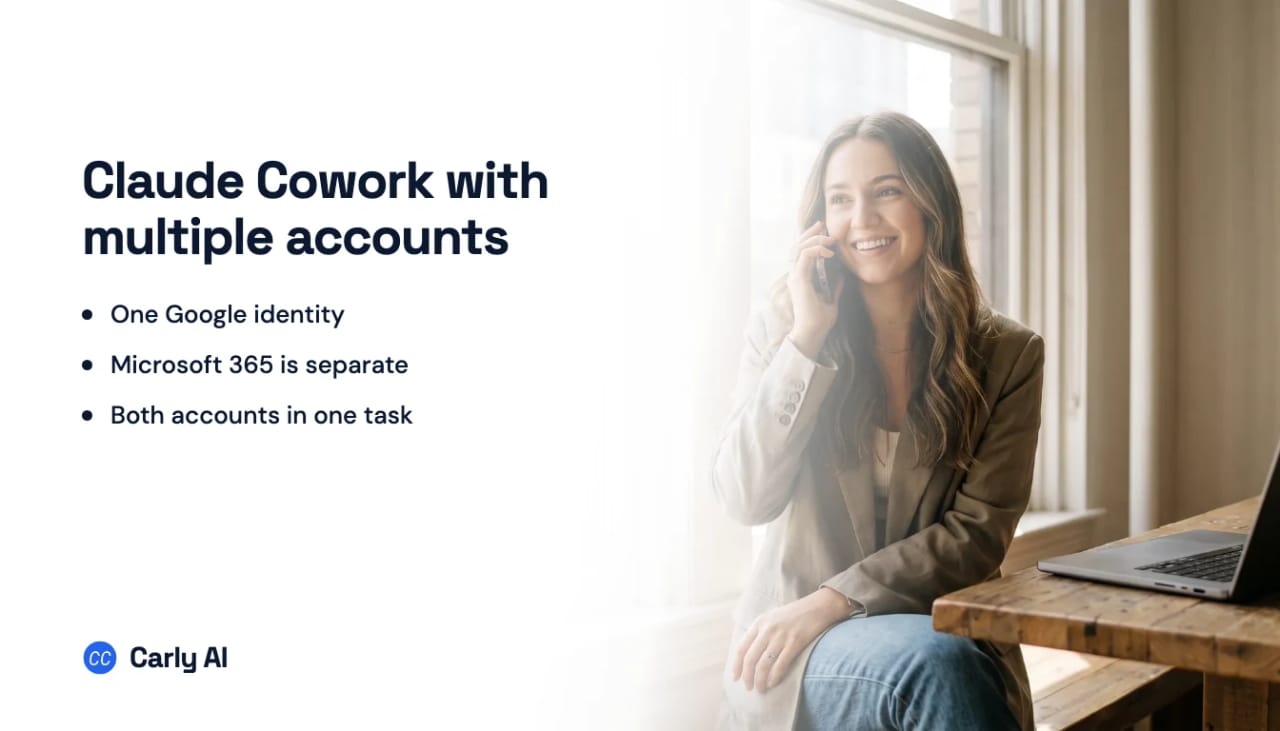
Anthropic’s Google Workspace connector can access Gmail, Calendar, and Drive “for the Google account you’ve connected.” Switching the Google account changes which identity Claude can reach. It does not add a second one. The Microsoft 365 connector is the same shape on the other side: one tenant, the one you authenticated.
Neither Claude nor Gemini lets one connector carry two accounts at once. Each authorizes a single Google identity per connection, and the documented way to reach the other one is to disconnect and sign in again. A question that spans both inboxes cannot be answered in a single conversation. Carly answers it, because it holds all of them.
If the task is “check work and personal mail, then book around both calendars,” native Cowork cannot do that in one run. This page covers what each connector actually does, where the send path is Microsoft-only, and the setup that holds both identities behind one Cowork connector.
What Cowork can see natively
| Your setup | What Cowork sees natively |
|---|---|
| Personal Gmail + work Google Workspace | One of the two Google identities |
| Work Microsoft 365 + personal Gmail | One Microsoft tenant and one Google identity — that pair works |
| Two Microsoft 365 tenants | The tenant you authenticated |
| Several calendars under one Google login | Yes, including shared calendars you can already open |
| Scheduled Cowork task | The same connectors, with write limits noted below |
The mixed pair — work Microsoft 365 and personal Gmail — is the one native connectors cover, because they are different products. Two Gmails, or work Google plus personal Google, fail.
What each native connector can do
Gmail. Search and read. Create drafts. Manage labels. Claude sends from Gmail with your approval. Google’s OAuth screen mentions send permission; Anthropic is explicit that send is not enabled.
Google Calendar. View events, including shared calendars on that account. Create, update, and delete events. Find mutual availability. Respond to invitations. Recurring meetings. A second Google login is still out of scope.
Google Drive. Search, read, upload, create folders, save Claude-generated files if code execution is on. Images inside Docs are not read.
Microsoft 365. The write tools that arrived in July 2026 can send mail, manage calendar events, and create or update files in OneDrive and SharePoint. They are off by default. They reject attachments. They need a live conversation: a scheduled Cowork run can read, but it will not send while you are away. See Claude Cowork limitations.
Claude can write into Microsoft 365 now, and an administrator decides whether you get to. Organizations that connected before the write tools shipped find them blocked until someone flips them on, anything with an attachment is rejected at the door, and sends are confirmed one at a time. That is a reasonable default and a poor fit for work that has to happen unattended. Carly handles that half, across all of the accounts you connect.
On Team and Enterprise, an Owner has to enable these connectors at the organization level before anyone can authenticate.
Custom connectors are how you add a second identity
Anthropic documents custom remote MCP connectors on Free, Pro, Max, Team, and Enterprise. Free is limited to one custom connector. On Team and Enterprise, an Owner adds the connector to the organization; members then connect it themselves.
That is the path that holds more than one Gmail or more than one Outlook inside a single Cowork task. Carly is the connector. Each identity is authorized in Carly, not in Claude.
The setup
- Sign in at carlyassistant.com.
- Open carlyassistant.com/integrations.
- Find Gmail or Outlook, click Connect, and approve access.
- Click Connect again for the next account, choosing Use another account if Google or Microsoft preselects the first login, and keep going for as many as you want.
- Repeat for Calendar on each account that has one.
Carly connects to thousands of apps, so while you are on that page you can add your CRM, files, and anything else you want reachable in the same Cowork task.
Then add Carly to Claude:
- Open Customize → Connectors.
- Click +, then Add custom connector.
- Paste
https://carlyassistant.com/mcp/. - Add and authorize the Carly workspace.
- In the Cowork task, open + → Connectors and enable Carly.
On Team and Enterprise, the Owner adds that URL under Organization settings → Connectors first.
Ask for the account you want
Name the address and the work happens there.
Draft the reply from
emily.parker@northwind.comto the newest invoice thread. Do not send it yet.
Search every connected account for “invoice” from the last 30 days. Include the source address in every row.
Check every connected calendar for conflicts Wednesday 9:00 to 12:00 Eastern, then book the review on the Northwind calendar only.
Native connectors versus Carly in Cowork
| Need | Native Google / Microsoft connectors | Carly |
|---|---|---|
| Search one connected identity | Yes | Yes |
| Two Gmails or two Outlooks in one task | No | Yes |
| Work Google + personal Google | No | Yes |
| Work Microsoft 365 + personal Gmail | Yes, different connectors | Yes |
| Send from Gmail | Yes, once you approve each message | Yes, with the connected account’s permissions |
| Send from Microsoft 365 | Yes, no attachments, live conversation | Yes |
| Shared calendars under the connected Google login | Yes | Yes |
| Recurring multi-account workflows | No | Yes |
Carly offers free Zapier-style workflows; AI agents start at $35/month.
Quick fixes
| Problem | Fix |
|---|---|
| Second Gmail replaced the first | Keep both in Carly. Leave the native Google connector on one identity or turn it off for the task. |
| Carly is installed but missing in Cowork | Open + → Connectors and enable it for the task |
| Team plan cannot add the URL | Ask the Claude Owner to add the custom connector |
| Workspace blocks Google OAuth | Ask the Google admin to trust the app |
| Cowork searches the wrong inbox | Use the full address and require a source-account column |
Frequently asked questions
Can Claude Cowork connect two Gmail accounts?
Not natively. The Google connector is one identity. Carly is the straightforward way to make several Gmail identities available in one Cowork task. Step-by-step: multiple Gmail accounts in Claude Cowork.
Can Cowork use work Microsoft 365 and personal Gmail together?
Yes. Those are different connectors. Two Gmails, or work Google plus personal Google, still need Carly.
Can Claude send email from my personal Gmail?
The native Gmail connector sends once you approve each message, but only while you are in the conversation. Carly sends from the connected Gmail without you having to be there. Native send exists on Microsoft 365, without attachments, in a live conversation.
Will a company Claude Team workspace see my personal inbox?
If you enable a connector that can reach the personal account inside that workspace, yes — the chat can retrieve it. Keep the personal identity on a personal Claude login, or on Carly accessed from a personal account. Do not paste personal mail into a company workspace to work around the connector.
Related: What is Claude Cowork · Claude Cowork limitations · Claude + Gmail · Multiple Gmail accounts in Claude Cowork · Multiple Outlook accounts in Claude Cowork · Gmail and Outlook together in Cowork · Can Claude connect to multiple Gmail accounts? · Can Claude Cowork connect to multiple Gmail accounts?
Ready to automate your busywork?
Carly schedules, researches, and briefs you—so you can focus on what matters.
See what people say
"Before Carly, I relied on a Calendly link, but the whole process felt impersonal and not very professional. Carly changed that by handling all the back-and-forth, so I'm no longer stuck in endless email threads trying to line up schedules.
Now Carly reaches out to candidates, shares my real-time availability, lets them pick a slot, then sends a Zoom link and drops it straight into my calendar. She sends reminders to both of us before each call, which has significantly reduced no-shows and last-minute confusion.
On top of scheduling, Carly acts like a full executive assistant, sending me my schedule the night before so I can prepare for each call. It reminds me of the old x.ai assistant, but Carly is noticeably smarter, faster, and better suited to my healthcare recruitment business."