Can Perplexity Connect to Multiple Gmail Accounts?
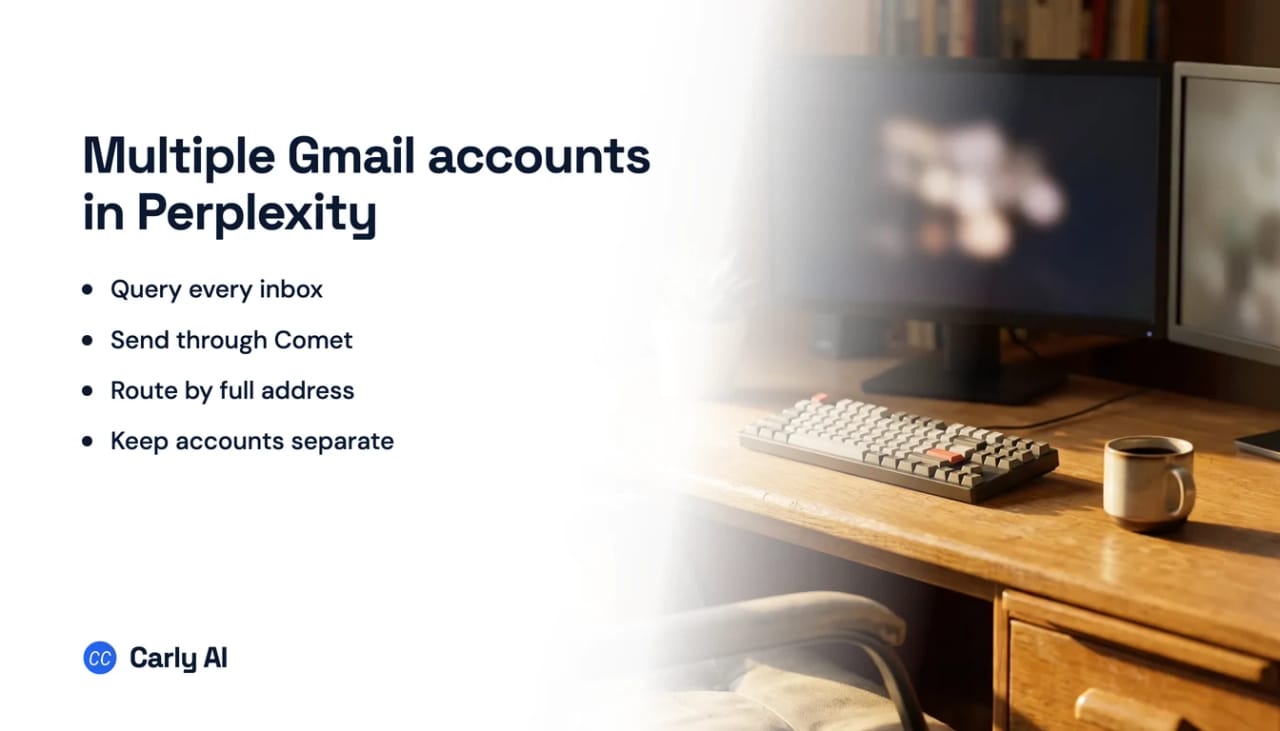
No, Perplexity does not give you two Gmail accounts at once. Its Gmail and Google Calendar connector is a single combined connection to one Google account, and no flow for adding a second identity is published anywhere. The calendar half of the same connector is documented as the primary calendar only, which tells you how narrow the account model underneath is.
But with Carly, it can. Add the Carly connector in Perplexity and you can use all of your Gmail accounts at once.
Do this instead
- Connect each Gmail address at carlyassistant.com/integrations. Every Workspace domain, plus Outlook and personal addresses if you have them.
- In Perplexity, open Settings → Connectors → Custom connector → Remote and enter
https://carlyassistant.com/mcp/. Custom remote connectors are available on Pro, Max and Enterprise. - Ask across all of them at once:
Check all my inboxes for anything about the Q4 renewal and tell me which threads still need a reply today.
Start free at carlyassistant.com.
Undocumented is its own kind of problem
Perplexity never says whether a second Gmail authorization is added, rejected, or quietly substituted for the first. That is worse than a documented limit, because you cannot design around behaviour nobody has written down, and you will not be told when it changes.
What you can see is the shape of an answer. Ask “find every invoice from last month” and the reply arrives confidently from whatever the connector currently holds, with no hint that the rest of your mail was never searched. On a second Workspace domain or a shared client account, that is a wrong answer delivered with total confidence.
Event triggers have arrived in MCP, one app at a time. ChatGPT now lets a plugin start an automation when something changes, on a standard that is still a proposal, and OpenAI's own docs name just Gmail messages, Slack messages and GitHub pull requests as supported events. The CRM, the booking page, the intake form and the invoice are not on the list yet. Carly workflows already start from those, usually within minutes, and hand the result back to the assistant you already work in.
What you can automate across all of them
Carly does more than widen what Perplexity can see. It works the inboxes while you are elsewhere, and it starts on the event rather than waiting to be asked. A few of the automations you can turn on:
- Text me when an urgent email arrives. Carly watches all your inboxes and messages your phone the moment something genuinely urgent lands, a real person waiting on you, a hard deadline, or money. Everything routine stays silent.
- Triage, tag and file every email. As mail arrives, Carly decides which label it belongs under, who owns it and how urgent it is, then applies the label in Gmail. It uses labels you already have rather than inventing new ones, and nothing is deleted.
- Draft replies to the ones that need a personal answer. Carly reads the full thread and saves a reply in your voice to Drafts for review. Newsletters, alerts and automated mail are skipped.
- Chase a quiet prospect and stop the moment they reply. Three touches at three, seven and fourteen days, called off automatically by any answer.
- File attachments where they belong. A signed contract arrives, Carly works out which client or project it is, drops it into the matching Drive, Box or Dropbox folder, and logs it in a sheet.
- Turn invoices and receipts into accounting entries. Carly parses the PDF, pulls the fields and creates the entry in QuickBooks.
- Push follow-ups into the tracker you already use. Mail from a sender you choose becomes an Asana, ClickUp, Todoist or Notion task with an AI-written title and summary instead of a raw subject line.
- Open the CRM record from the first enquiry. A new enquiry becomes a person, a company and an open deal in Pipedrive, Attio or HubSpot, and a later pass email moves that deal to Lost with the reason written into the real field.
- Brief you before every meeting, with research on the external attendees and last week’s notes, delivered before you walk in.
- Log every inbound email to a sheet with sender, subject, category and a one-line summary, across every account at once.
Those keep running in every account you connect while you are in a meeting or asleep. Carly connects to thousands of apps, so the far end of any of them can be the tools you already pay for.
One thing worth knowing before you set this up: on Enterprise, administrators decide whether members may add their own connectors, and that permission is disabled by default.
What Perplexity reaches once Carly is connected
- All your Gmail accounts at once, in a single question, with no reauthorizing between them.
- Every calendar, not just the primary one. Team, project and shared calendars come along, on both Google and Outlook.
- Outlook sits right beside Gmail. One connection covers both providers.
- Shared and group inboxes are real mailboxes.
billing@connects as its own mailbox, and Carly replies from it. - It sends with attachments, from the account you choose, with that account’s permissions.
| Gmail accounts at once | Secondary calendars | Sends from Gmail | Starts when mail arrives | |
|---|---|---|---|---|
| Perplexity | One | Primary only | Through Comet | No |
| ChatGPT | One | Not documented | Yes | No |
| Claude | One | Shared under one login | Yes | No |
| Perplexity + Carly | All of them | Yes | Yes | Yes |
Free Zapier-style workflows; AI agents from $35/month. Connect your inboxes.
Full walkthrough with the connector screens: how to connect multiple Gmail accounts to Perplexity.
Frequently asked questions
Can I connect two Gmail accounts to Perplexity?
No published flow adds a second Google identity to the Gmail connector, and Perplexity does not say what happens if you try. Connect both to Carly and one question reaches them together.
Does Perplexity read secondary Google calendars?
It documents support for the primary calendar. Carly connects team, project and shared calendars on Google and Outlook alike, and calculates availability across all of them at once.
Which plans can add a custom connector?
Custom remote connectors are available on Pro, Max and Enterprise. On Enterprise, an administrator can share one across the organization and decides whether members may add their own.
Can Perplexity send email?
Sending is exposed through Comet rather than the ordinary web app. Carly sends from any connected account, attachments included, and it can send while you are away.
Can Perplexity act on an email the moment it arrives?
A connector answers questions when asked. Carly runs on the arrival of the message itself, which is how the labelling, filing, texting and drafting above happen without anyone watching.
How many Gmail accounts can Carly hold?
As many as you connect. Add a client domain when the engagement starts and remove it when the work ends, without touching the others.
More: How to connect multiple Gmail accounts to Perplexity · Gmail and Outlook together in Perplexity · Can Claude connect to multiple Gmail accounts? · Can Perplexity manage email and calendar? · Best AI assistants for multiple Gmail accounts
Ready to automate your busywork?
Carly schedules, researches, and briefs you—so you can focus on what matters.
See what people say
"Before Carly, I relied on a Calendly link, but the whole process felt impersonal and not very professional. Carly changed that by handling all the back-and-forth, so I'm no longer stuck in endless email threads trying to line up schedules.
Now Carly reaches out to candidates, shares my real-time availability, lets them pick a slot, then sends a Zoom link and drops it straight into my calendar. She sends reminders to both of us before each call, which has significantly reduced no-shows and last-minute confusion.
On top of scheduling, Carly acts like a full executive assistant, sending me my schedule the night before so I can prepare for each call. It reminds me of the old x.ai assistant, but Carly is noticeably smarter, faster, and better suited to my healthcare recruitment business."