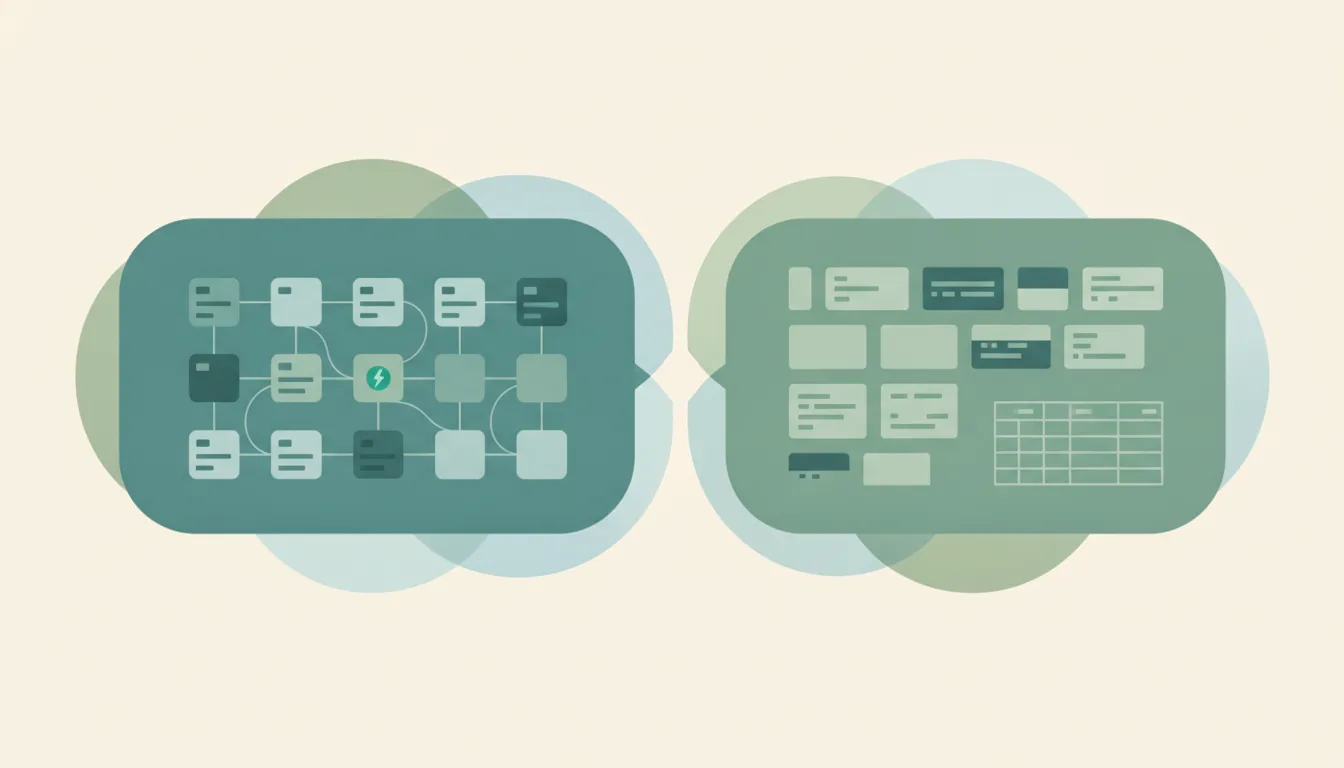
Todoist vs Notion: Which Should You Use in 2026?
These tools both manage tasks, but they start from opposite philosophies. Todoist is a dedicated, ready-made task manager — fast capture, due dates, and filters that work the moment you open it. Notion is an all-in-one workspace where tasks are just one database living next to your docs, notes, and wikis. If you want a focused task app that just works, Todoist. If you want tasks woven into a larger custom system, Notion.
The One-Sentence Answer
Use Todoist if you want a fast, ready-made task manager. Use Notion if you want tasks living inside a custom all-in-one workspace.
Side-by-Side Comparison
| Todoist | Notion | |
|---|---|---|
| Core purpose | Dedicated task manager | All-in-one workspace |
| Setup required | None — works instantly | You build the system |
| Task speed | Very fast capture & quick add | Slower, more clicks |
| Docs & notes | Minimal | Full-featured |
| Databases | Projects, labels, filters | Powerful, relational |
| Reminders & recurring | Strong, native | Possible but clunky |
| Collaboration | Shared projects | Whole-team workspace |
| Best for | Pure task tracking | Tasks inside a bigger hub |
When to Use Todoist
- You want a focused task app with zero setup
- You value fast capture and reliable reminders
- Recurring tasks and natural-language dates matter to you
- You don’t want to maintain a custom system
- Tasks are the main thing you’re tracking
Think of Todoist as a tool that arrives sharpened — open it and start working.
When to Use Notion
- You want tasks alongside docs, notes, and wikis
- You’re building a project hub, not just a task list
- You like designing your own views and databases
- Your team already works inside Notion
- You’ll invest setup time for a flexible workspace
The Maintenance Tax Nobody Warns You About
Notion’s flexibility is real, but it comes with a hidden cost: you become the system’s administrator. Every view, template, and database relation is something you build and keep working. That’s powerful when tasks are one part of a larger hub — but if all you need is “remind me Thursday,” Todoist does it in three seconds with nothing to maintain. Todoist’s reminders and recurring rules are also more reliable than Notion’s, which often need manual nudging. Pick Notion when the workspace itself is the point; pick Todoist when you just want tasks handled.
Rule of thumb: pure task tracking → Todoist; tasks inside a bigger workspace → Notion.
If the real goal is getting tasks done rather than organized — having something actually schedule, reply, and follow up — that’s Carly: you email or text it and it does the work instead of you tending an app, and automates multi-step workflows across your tools. See our best AI tools for task management and best to-do list apps.
Quick Reference
| Your situation… | Pick… |
|---|---|
| Want a task app that just works | Todoist |
| Need reliable reminders | Todoist |
| Tracking only tasks | Todoist |
| Want docs + tasks together | Notion |
| Building a project hub | Notion |
| Whole team lives in one tool | Notion |
Related guides: Todoist alternatives · Notion alternatives · Best to-do list apps
Ready to automate your busywork?
Carly schedules, researches, and briefs you—so you can focus on what matters.
See what people say
"Before Carly, I relied on a Calendly link, but the whole process felt impersonal and not very professional. Carly changed that by handling all the back-and-forth, so I'm no longer stuck in endless email threads trying to line up schedules.
Now Carly reaches out to candidates, shares my real-time availability, lets them pick a slot, then sends a Zoom link and drops it straight into my calendar. She sends reminders to both of us before each call, which has significantly reduced no-shows and last-minute confusion.
On top of scheduling, Carly acts like a full executive assistant, sending me my schedule the night before so I can prepare for each call. It reminds me of the old x.ai assistant, but Carly is noticeably smarter, faster, and better suited to my healthcare recruitment business."