
15 Best Free Meeting Tools in 2026 (No Trials)
The best free meeting tools for booking, group scheduling, time-zone planning, video calls, and AI transcription. Genuinely free tiers, no trials, reviewed for 2026.
Page 122 of 138
The best free meeting tools for booking, group scheduling, time-zone planning, video calls, and AI transcription. Genuinely free tiers, no trials, reviewed for 2026.

The best free time management tools for focus, scheduling, calendar sync, time tracking, and tasks. Genuinely free tiers, no trials, reviewed for 2026.
A playbook for automating work with AI agents: what they do, which workflows to automate first, how to wire them into your apps, and how to keep them safe.
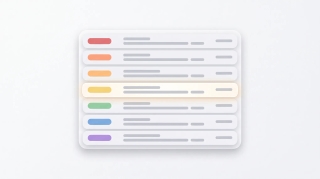
Use color categories in Outlook to tag, organize, and filter your inbox. Covers create, assign, rename, search by category, and auto-categorize rules.

How to CC in Outlook on web, new desktop, classic, Mac, and mobile. Show the CC field, set up always-CC, and learn the difference between CC and BCC.
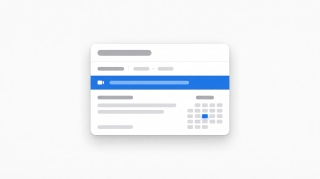
Create a Teams, Zoom, or Google Meet link in Outlook (or a calendar invite without one) across web, new desktop, classic Outlook, Mac, and mobile.
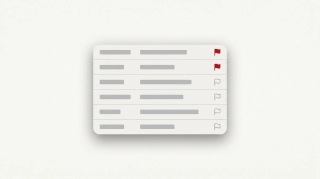
How to flag emails in Outlook for follow-up: set due dates, reminders, view flagged messages as tasks in Microsoft To Do, and clear flags.
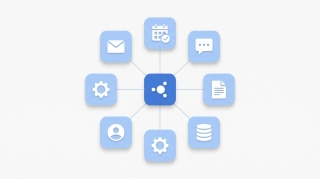
A 5-step framework for integrating AI into your daily work: pick the right tools, automate real workflows, connect to your apps, and roll out smoothly.
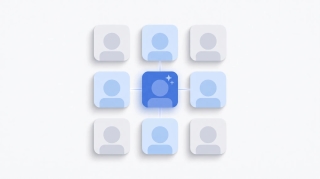
A manager's guide to rolling out AI to a team: pick the right pilot, handle resistance, set policies, measure impact, and avoid the rollouts that fail.
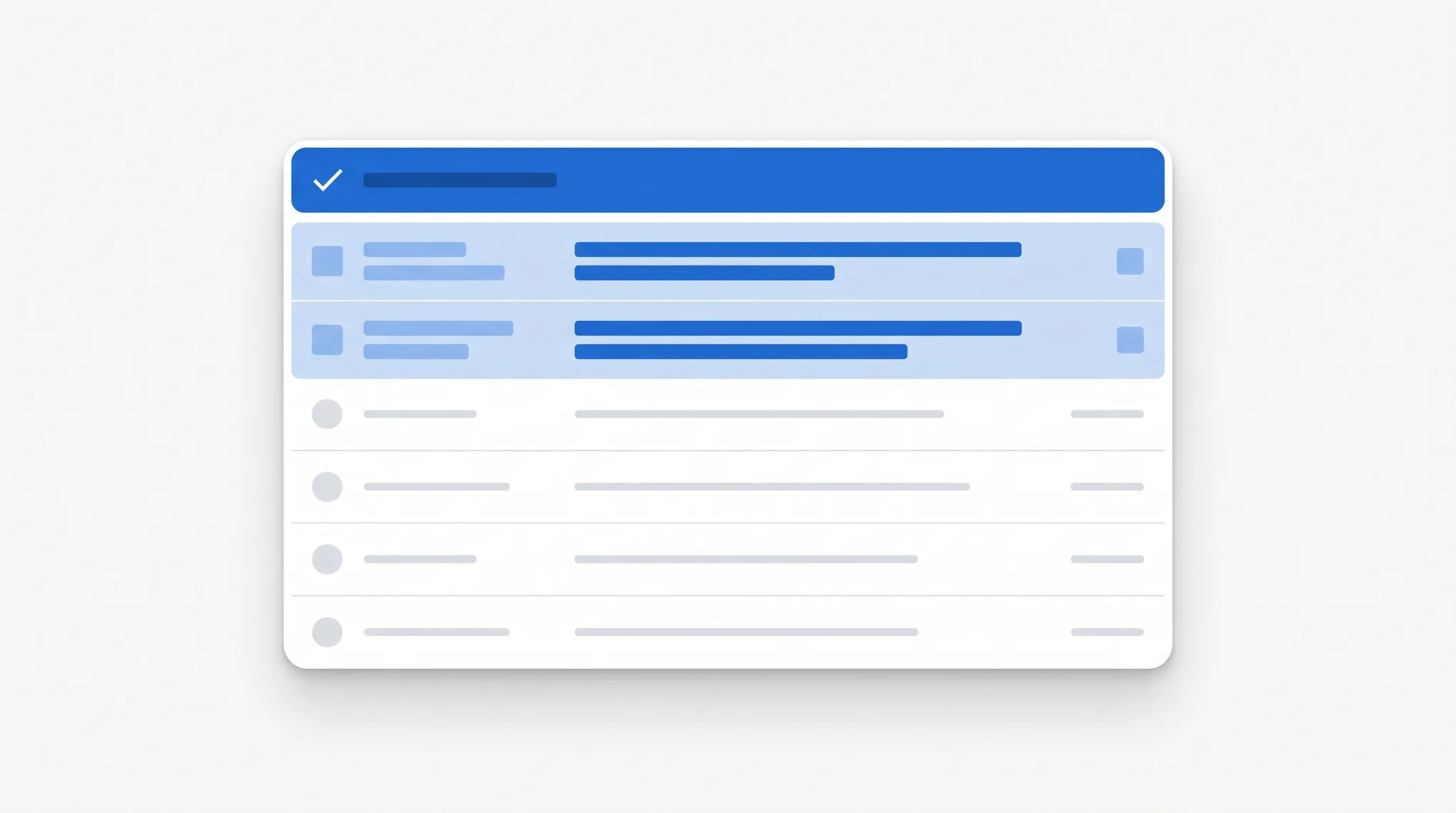
How to mark all emails as read in Outlook on web, new desktop, classic, Mac, and mobile, plus keyboard shortcuts and folder-level cleanup.
How to mass delete emails in Outlook by sender, date, search, or folder, plus Sweep, rules, and keyboard shortcuts to clear thousands at once.
How to resend an email in Outlook in classic, new Outlook, on the web, and Mac, plus the difference between resend, forward, and recall.

ChatGPT MCP support is here. Step-by-step guide to enabling Developer Mode, adding custom MCP servers, and using Apps SDK integrations.

Install MCP servers in Claude Code, Claude Desktop, ChatGPT, Cursor, Windsurf, VS Code, and Zed. The same JSON block, seven clients, copy-paste commands.

What is MCP? The Model Context Protocol lets AI models call your tools through one shared interface. What it is, what it replaces, and why it matters.
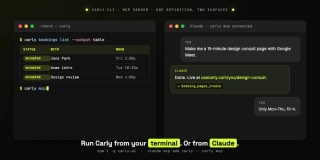
A command-line tool scoped to scheduling: create and edit booking pages, query availability, and read bookings from your shell, or from Claude and Cursor.

OpenClaw is the viral open-source AI agent that lives in your messaging apps. Here's what it is, what it costs people when it goes wrong, and what to use instead.

A scheduled AI agent that runs every morning, sorts yesterday's inbox, labels and archives, answers what it can, files attachments, updates your spreadsheets, and leaves you a short summary.

AI agents for account executives handle outbound, Salesforce updates, and deal follow-ups. Copy 3 setups and spend more time selling.

AI agents for agency owners handle multi-client triage, project status across Asana/ClickUp, and invoicing. Copy 3 setups, reclaim your week.

AI agents for CSMs handle email triage, QBR prep, and renewal follow-ups across Salesforce and Gainsight. Copy 3 setups, reclaim 10+ hrs/week.

AI agents for executive assistants handle inbox triage, calendar defense, travel, and expenses. Copy 3 setups to scale to more principals.

AI agents for HR and people ops handle interview scheduling, onboarding, and offer follow-up. Copy 3 setups, reclaim 10+ hrs/week.

AI agents for marketing managers handle campaign coordination, cross-team email, and reporting pulls. Copy 3 setups, reclaim 10+ hrs/week.