
How to Mark All as Read in Gmail (2026 Guide)
Mark every unread email as read in Gmail web, mobile, and the API — including the Select All trick most people miss, the search-then-bulk method for huge inboxes, and how to do it per label.
Page 118 of 138
Mark every unread email as read in Gmail web, mobile, and the API — including the Select All trick most people miss, the search-then-bulk method for huge inboxes, and how to do it per label.
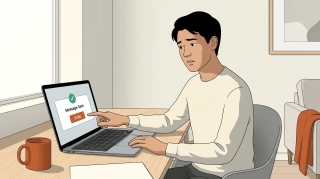
Gmail does not support true email recall — here is what Undo Send actually does, how to extend the window to 30 seconds, the workaround for Workspace users, and what to do when the email is already gone.
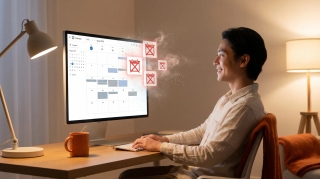
Block calendar spam in Google Calendar — the "known senders only" setting, how to remove existing spam events, the report-spam button, and why declining is the wrong move.
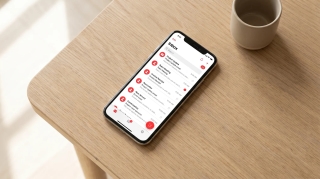
Most Gmail AI stops at a draft. Here are the ones that send, the ones that start when mail arrives, and the one that carries the work into your other apps.
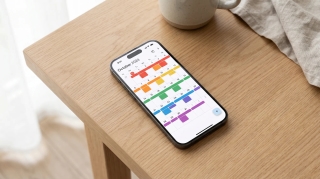
We tested 12 AI assistants that work with Google Calendar for 2 weeks each. Here's what saves time on scheduling and what's just a booking link with extra steps.
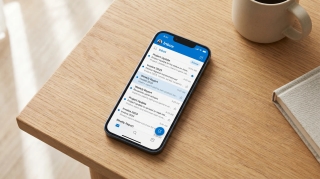
We tested 14 AI assistants for Outlook. Which ones really understand Microsoft 365, which are Gmail tools in costume, and which need an admin's blessing.
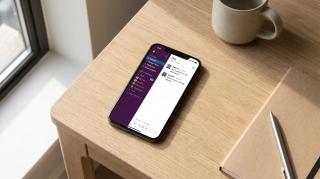
We tested 12 AI assistants that work in Slack for 2 weeks each. Here's what saves your team time and what's a chatbot wrapper that just clogs up your channels.
How to add tasks to Google Calendar — create from the grid, side panel, or unified mobile creator, set time and recurrence, and the difference between tasks, events, and the deprecated reminders.
How to cancel a Google Calendar meeting — delete events, choose Send or Don't send notifications, handle recurring series, recover from Trash, and what happens to attached Meet links and Drive files.
How to use Gmail's Primary, Promotions, Social, Updates, and Forums tabs — enable or disable categories, move emails between tabs, train the classifier, and the difference between categories and labels.
How to CC someone in Gmail — show the Cc field, keyboard shortcuts, mobile CC steps, CC a contact group, recipient limits, and the difference between CC and BCC.
How to create a Google Meet link — auto-attached from a Calendar event, instant meetings via meet.new, scheduled meetings without an event, plus dial-in numbers and host controls.
Google Calendar has no native meeting poll like Outlook's Scheduling Poll. Here's what Appointment Schedules actually do, why they're not polls, and the best workarounds for group voting on meeting times.
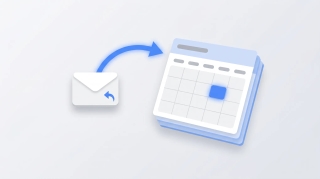
Three ways to create a Google Calendar event directly from a Gmail email — the three-dot Create event menu, Gemini's Add to calendar chip, the Calendar side panel, and mobile shortcuts.
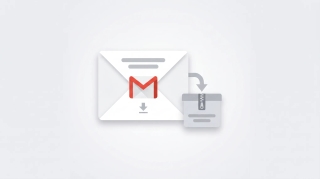
Complete guide to exporting Gmail messages: Google Takeout for full backups, downloading single emails as EML or PDF, exporting specific labels, and Vault for Workspace admins.
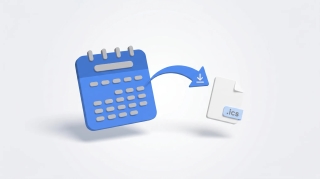
How to export Google Calendar — download all calendars as ICS via Settings, export a single calendar, import into Outlook or Apple Calendar, and what's missing from the export.
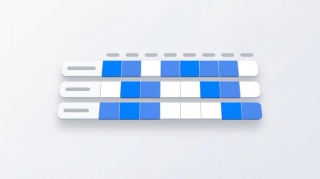
How to use Google Calendar's Find a time tab to schedule meetings across calendars, plus Gemini's Suggested times, time zone tricks, and what to do when external attendees don't show free/busy.
Why Gmail search returns no results, wrong results, or partial results — and how to fix it. Covers the new AI-relevance ranking, indexing delays, search operators, and the Smart Features setting that breaks search.
Google Calendar has no native Forward button — here are the three actual ways to forward a meeting invite, including Add guests, the Gmail forward workaround, and what changes vs Outlook.
How to set Google Calendar event visibility — Default, Public, Private — what each does, why private events still show as Busy, and the difference between visibility and Show as Free/Busy.
How to mass delete thousands of emails in Gmail using search operators, the Select all conversations link, and bulk filters — plus mobile workarounds and the storage gotchas.
How to recover deleted Gmail emails — restore from Trash within 30 days, use the Gmail Message Recovery Tool for permanently deleted mail, Workspace admin recovery up to 55 days, and Vault for retained mail.
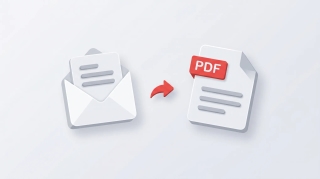
Save Gmail emails as PDFs on every platform — single message or full thread, mobile via AirPrint and Android print, batch save with cloudHQ, and the truncation gotcha for long threads.
How to set the default event duration in Google Calendar — change to 15, 30, 45 min or custom, enable Speedy meetings to end early, and how this differs from Appointment Schedule durations.