Grok Bot With Multiple Accounts (2026)
Grok Bot holds one account per plugin unless the plugin says otherwise. Gmail connects one mailbox at a time, Outlook works in one signed-in Microsoft account, and only plugins that show an Add Another Account button, like Notion, take a second login. Whatever you connect is shared by every Bot you run.
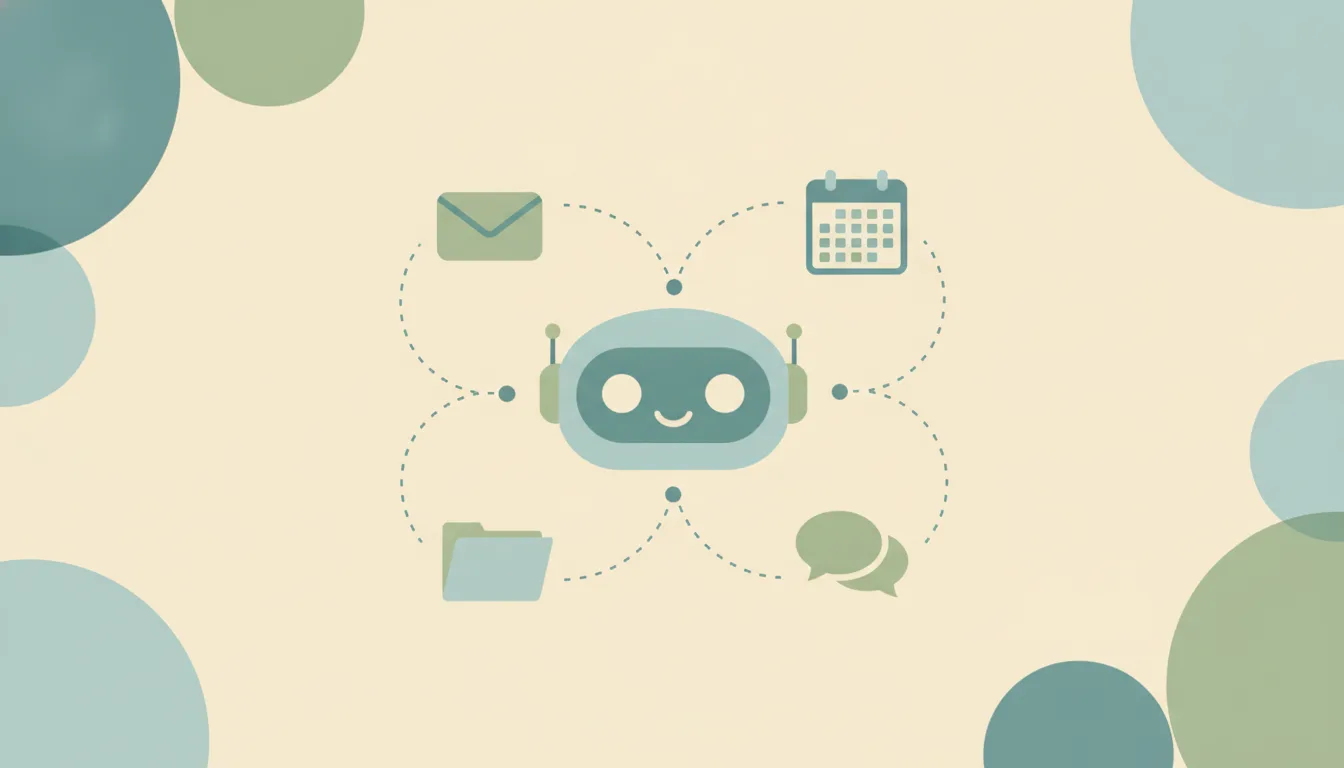
Carly gives Grok Bot superpowers. Connect every account to Carly, add the Carly connector to Grok Bot once, and each Bot works across all of your inboxes, calendars and files, plus the thousands of apps Carly connects to.
Carly gives Grok Bot superpowers
One connector, and the Bot you like gets reach it never had:
- Every account in one place. Inboxes, calendars, Google Drive, OneDrive, Slack and Notion, personal and work.
- Rules that hold. Carly follows the list you write, every time, instead of improvising.
- Things happen on their own when an email lands, a meeting gets booked, a form comes in or a deal moves.
- Sending from the right account, with attachments, for the emails you allow.
- Calls and texts for you and your team.
- Thousands of apps, ready to go. Ready-made workflows mean no API permissions, tokens or Postman sessions to wrangle.
What Grok Bot holds, plugin by plugin
Cursor runs Grok Bot’s plugins, and its help spells out the rule: “If you don’t see Add Another Account, that plugin connects one account at a time.”
| Account | Several at once in Grok Bot? |
|---|---|
| Gmail | No, “one mailbox at a time” |
| Outlook | The signed-in Microsoft account |
| Notion | Yes, through Add Another Account, each with a label |
| Other plugins | Only where Add Another Account appears |
| The Bot’s own email address | One per person, at mail.grokbot.com |
| A teammate’s Team Bot | Runs on its owner’s plugins, and asks before using yours |
Two catches sit under the table. “Every Bot on your Grok Bot account can use every connected account,” so separate Bots don’t mean separate access. And a second account on the plugins that allow it is chosen by label, so you tell the Bot “use my work Notion” every time.
Several Bots don’t mean several accounts
A common workaround is one Bot per inbox. Grok Bot doesn’t work that way. Plugins belong to your Grok Bot account, not to a Bot, so a second Bot can’t hold a second Gmail. Connecting another mailbox means disconnecting the first one for every Bot you run.
Through Carly, both inboxes sit side by side, and every Bot works across them in a single task.
More than one person
A Team Bot is published to a Cursor team, and every teammate chats with it on their own Grok Bot usage. People who aren’t on the team can’t reach it, and Cursor’s help documents no phone number to text. If your crew or staff work by text and email, see Can my team use Grok Bot?
Connect every account through Carly
- Connect every account at carlyassistant.com/integrations: Gmail and Outlook, personal and work, plus Google Drive, OneDrive, Slack and the rest of your apps.
- In a chat with your Bot, send this message: Confirm the details it reads back, then click Authorize and sign in to Carly.
- Ask across all of them:
Check every inbox and calendar I have and tell me what I’m double-booked on next week and who is waiting on a reply.
That is the whole setup. Get started at carlyassistant.com.
Guides for your setup
- Email: all your inboxes · Gmail · Outlook · Can Grok Bot connect to multiple email accounts?
- Calendars: Google Calendar · Outlook calendars
- Files: Google Drive · OneDrive · SharePoint
- Chat and notes: Slack · Microsoft Teams · Notion
Free Zapier-style workflows; AI agents from $35/month. Connect your accounts.
Frequently asked questions
Can Grok Bot connect two Gmail accounts?
No. Cursor’s help says Gmail connects one mailbox at a time and that a personal and a work mailbox can’t stay connected together. Connect both to Carly and every Bot reaches them through one connector.
Which Grok Bot plugins take a second account?
The ones that show Add Another Account under Accounts when you open them from Connect apps. Cursor names Notion as an example. Gmail is named as one that can’t.
Do separate Bots keep my accounts apart?
No. Every Bot on your Grok Bot account can use every connected account. Disconnecting is the documented way to keep a Bot out of one.
Can I use one Grok Bot for work and personal email?
Not through the Gmail plugin, which holds one mailbox. With Carly, your personal and work inboxes sit side by side and one Bot works across both.
Is Grok Bot the same as Grok?
No. Grok on grok.com uses xAI’s own connectors. Grok Bot is the agent app you sign in to with a Cursor account, and its plugins come from Cursor’s marketplace. For grok.com, see Grok with multiple accounts.
More: What Grok Bot is · Grok Bot connectors · Can Grok Bot manage my email? · Grok Bot alternatives · ChatGPT with multiple accounts
Ready to automate your busywork?
Carly schedules, researches, and briefs you—so you can focus on what matters.
See what people say
"Before Carly, I relied on a Calendly link, but the whole process felt impersonal and not very professional. Carly changed that by handling all the back-and-forth, so I'm no longer stuck in endless email threads trying to line up schedules.
Now Carly reaches out to candidates, shares my real-time availability, lets them pick a slot, then sends a Zoom link and drops it straight into my calendar. She sends reminders to both of us before each call, which has significantly reduced no-shows and last-minute confusion.
On top of scheduling, Carly acts like a full executive assistant, sending me my schedule the night before so I can prepare for each call. It reminds me of the old x.ai assistant, but Carly is noticeably smarter, faster, and better suited to my healthcare recruitment business."