
Microsoft Teams vs Zoom: Which to Use in 2026?
Teams is a full collaboration suite bundled with Microsoft 365; Zoom is a meeting-first tool with best-in-class video. Here's when to pick each in 2026.
Page 145 of 178
Teams is a full collaboration suite bundled with Microsoft 365; Zoom is a meeting-first tool with best-in-class video. Here's when to pick each in 2026.

TickTick bundles a calendar, habit tracker, and Pomodoro timer; Todoist stays clean with strong natural-language input. Here's which to-do app to pick.

How long a Zoom meeting can run on free and paid plans — the 40-minute cap on Basic accounts, the 30-hour paid limit, and how to get around it.

From the built-in To Do and Planner to Todoist, Asana, and an assistant that writes tasks into To Do and Planner for you. What genuinely works with Outlook.

Accept all tracked changes in Microsoft Word at once, accept them one at a time, accept a single reviewer's edits, and stop tracking afterward.

Add citations and a bibliography in Microsoft Word with the built-in source manager, switch styles like APA and MLA, and insert a works-cited list.

Add a drop-down list to a Microsoft Word form with the Developer tab, set the choices, and protect the form so users can only pick options.

Insert an automatic table of contents in Microsoft Word from heading styles, update it as your document changes, and customize the levels.

Add a watermark in Microsoft Word — a built-in Confidential or Draft stamp, custom text, or a picture — apply it to one page, and remove it.
Split text into columns in Microsoft Word, apply columns to part of a document, add a line between them, and force a column break.

Add, reply to, resolve, and delete comments in Microsoft Word, and @mention collaborators — on Windows, Mac, and the web.
Add page numbers in Microsoft Word, skip the title page, start numbering on a later page, and restart at 1 — on Windows, Mac, and the web.

Format text as superscript or subscript in Microsoft Word using buttons, keyboard shortcuts, or the Font dialog — for exponents and footnote markers.
Outlook has no native travel-time feature like Apple or Google Calendar. Here's how to block travel time before and after events — manual buffers, color categories, recurring commute blocks, Bookings buffer time, and automation.

Compare two versions of a Microsoft Word document to see every difference as tracked changes, and combine edits from multiple reviewers.
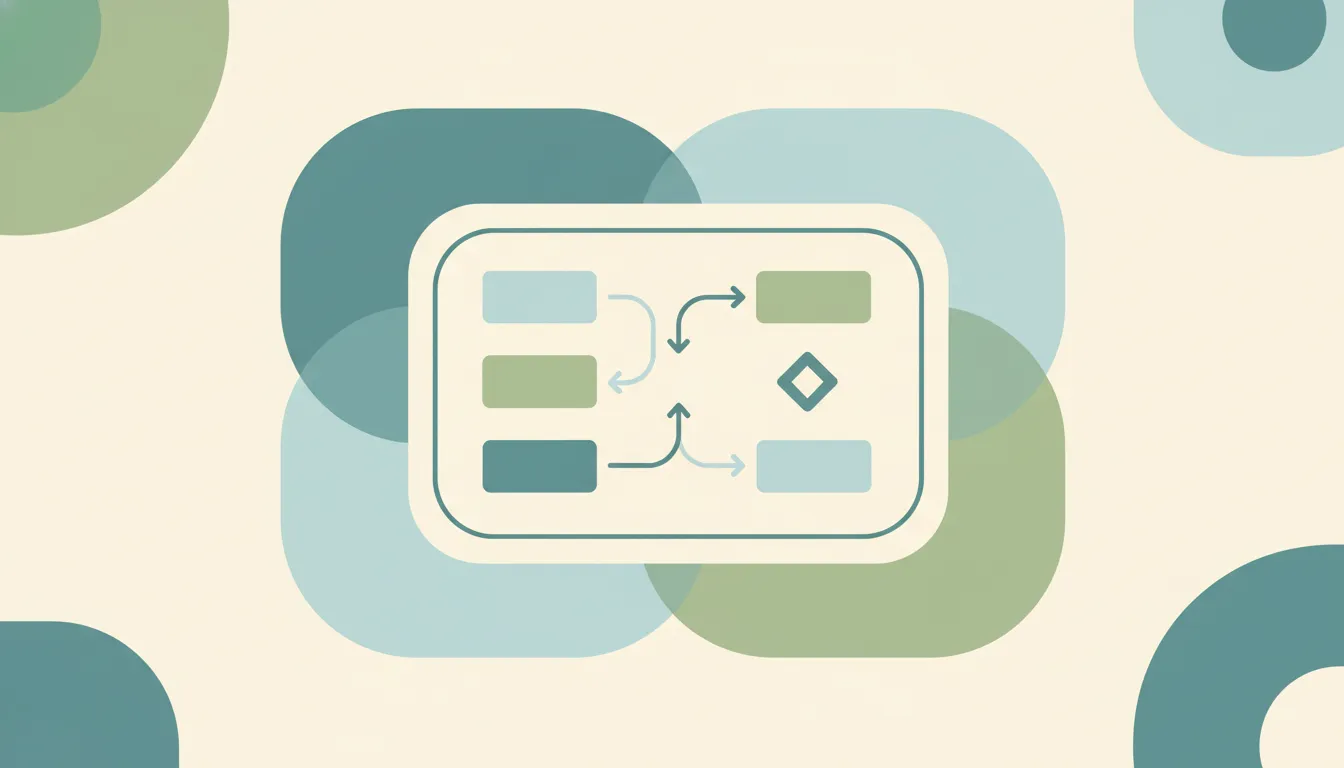
Build a flowchart in Microsoft Word with SmartArt or shapes, connect boxes with arrows that stay attached, and align everything cleanly.
Insert a table in Microsoft Word, add and delete rows and columns, merge cells, apply a table style, and convert text to a table — on Windows, Mac, and the web.

Delete a page in Microsoft Word — a content page, a stubborn blank page at the end, or one caused by a page break — on Windows, Mac, and the web.

Create a hanging indent in Microsoft Word for bibliographies and works-cited lists — using the Paragraph dialog, the ruler, or a shortcut.
Run a mail merge in Microsoft Word to create personalized letters, emails, envelopes, and labels from an Excel list — step by step.

Double space text in Microsoft Word for the whole document or a selection, remove extra space between paragraphs, and set it as your default.

Insert a check mark (✓) in Microsoft Word using the Symbol menu, the Wingdings font, a character code, or an AutoCorrect shortcut.

Add checkboxes in Microsoft Word two ways — a clickable Developer-tab control for digital forms, and a checkbox bullet for printed lists.

Insert footnotes and endnotes in Microsoft Word, jump between them, change the number format, convert footnotes to endnotes, and delete them.