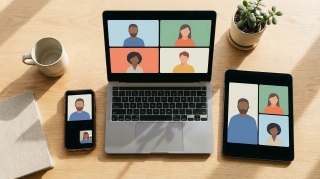
Zoom Pricing in 2026: Every Plan, Add-On, and the 40-Minute Catch
Zoom pricing in 2026, explained: free vs Pro, Business, Business Plus, and Enterprise per-seat costs, monthly vs annual billing, and the add-ons that quietly stack up.
44 posts
Zoom pricing in 2026, explained: free vs Pro, Business, Business Plus, and Enterprise per-seat costs, monthly vs annual billing, and the add-ons that quietly stack up.

Spotlight a video for everyone in a Microsoft Teams meeting, spotlight several people at once, and understand how spotlight differs from pin.

How many people can join a Zoom meeting: 100 on Basic and Pro, 300 on Business, 500 on Enterprise, and up to 1,000 with the Large Meeting add-on.

How to add a Google Meet link to any calendar event, make Meet links appear automatically, or remove them — on the web, Android, and iPhone.

How many people can join a Google Meet — 100 on free accounts, up to 1,000 on Enterprise, and 100,000 view-only via livestream. Full breakdown by Workspace plan.

Google Meet runs in the browser and lives inside Google Workspace; Zoom is a standalone app with deeper meeting features. Here's when each one wins in 2026.

Schedule a meeting in Microsoft Teams from the Calendar, Outlook, or a channel — add attendees, invite guests, make it recurring, or start an instant Meet now.
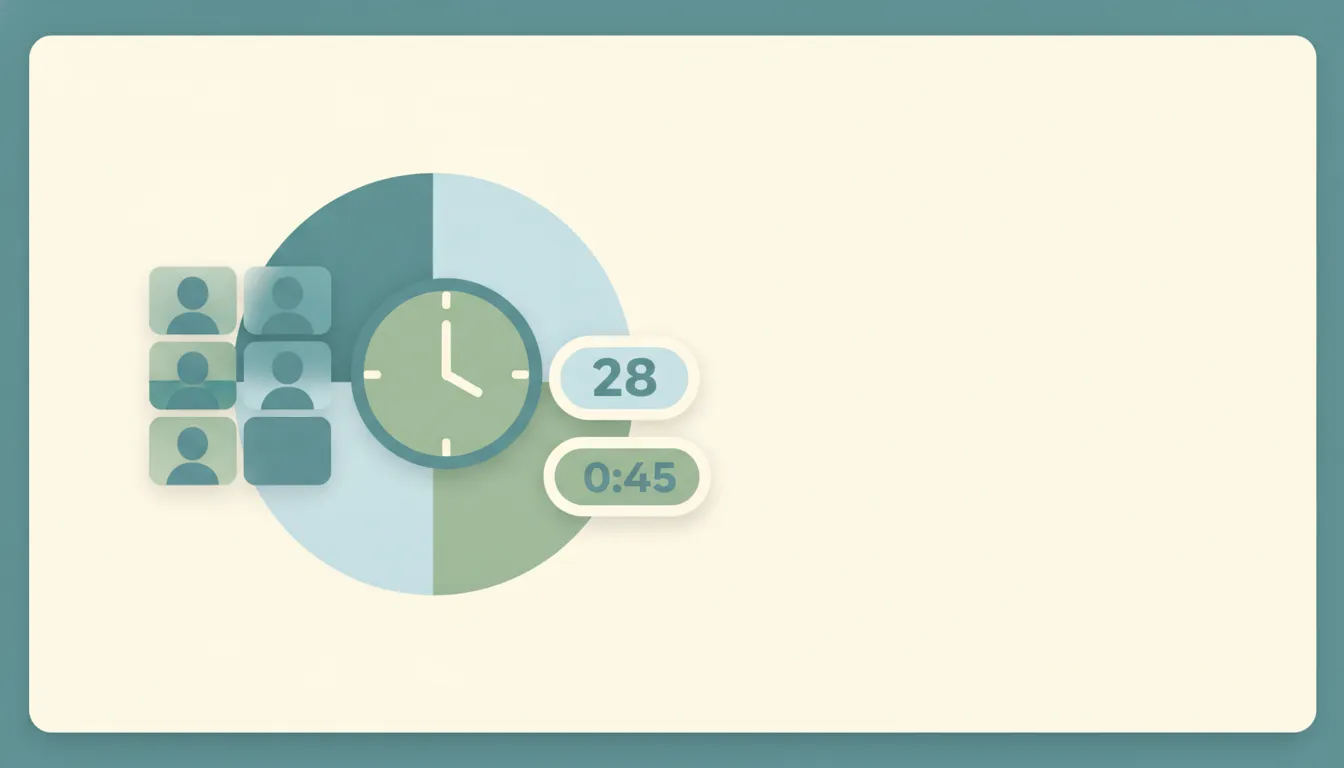
How long a Microsoft Teams meeting can run and how many people can join — the 60-minute free cap, the 30-hour paid limit, and participant ceilings by license.

Teams is a full collaboration suite bundled with Microsoft 365; Zoom is a meeting-first tool with best-in-class video. Here's when to pick each in 2026.

How long a Zoom meeting can run on free and paid plans — the 40-minute cap on Basic accounts, the 30-hour paid limit, and how to get around it.
How long a Google Meet can run on free and paid accounts — the 60-minute group-call cap, the 24-hour limits, and how to get around them.

Blur your background in Microsoft Teams before or during a meeting on desktop and mobile — plus what to do when the blur or background-effects option is missing.

Blur your background, add a virtual background, or apply a filter in Google Meet — before you join or mid-call, on desktop and mobile.
Change your background in Microsoft Teams — pick a built-in image, upload your own custom background, or blur it — before or during a meeting, on desktop and mobile.
Turn on transcription in Google Meet to save a Google Doc of who said what, where the transcript saves in Drive, and how it differs from live captions.
Mute and unmute yourself in Microsoft Teams, use the keyboard shortcut and push-to-talk, and — as an organizer — mute other participants or stop them from unmuting.

Pin a participant's video in Microsoft Teams so they stay on your screen, understand pin vs. spotlight, and do it on desktop and mobile — plus how to unpin.

Raise your hand in a Microsoft Teams meeting on desktop, mobile, and with a keyboard shortcut — plus how to lower it and see who else has raised theirs.
Record a Google Meet to Drive — who's allowed, how to start and stop, where the recording saves, and why the Record option is sometimes greyed out.
Record a Microsoft Teams meeting on desktop or mobile, find where the recording saves in OneDrive or SharePoint, and fix it when the Record option is greyed out.
Turn on Google Meet's noise cancellation to filter out typing, barking, and chatter — on desktop and mobile — plus what to do when the toggle is missing.
Schedule a Google Meet from Google Calendar, Gmail, or the Meet app — add guests, set it to repeat, and share the link so everyone joins the right call.
Present your whole screen, a single window, or a Chrome tab in Google Meet — on desktop and mobile — plus how to share with sound and fix a black screen.

Share your screen, a single window, or a PowerPoint in Microsoft Teams on desktop and mobile — including how to share computer sound and give control to someone else.

Turn off your camera in Microsoft Teams before or during a meeting, use the keyboard shortcut, and join with video off by default — on desktop and mobile.
Turn on live captions in Google Meet on desktop and mobile, change the caption language, use translated captions, and fix captions that won't show up.

Split a Google Meet into breakout rooms: create and assign rooms, set a timer, move between them, and broadcast a message to every group.

Create and run breakout rooms in Microsoft Teams — split a meeting into groups, assign people, set a timer, send announcements, and bring everyone back.
Use Google Meet's host controls to make guests knock before they join, admit or deny people, and keep meetings secure — the Meet version of a waiting room.
Make someone else the host on Zoom, assign a co-host, reclaim host, leave a meeting without ending it, and set an alternative host in advance — on desktop and mobile.
Add or change a Zoom virtual background — blur it, use a built-in image, upload your own, or set a video background — on desktop and mobile, even without a green screen.
Change your display name on Zoom before or during a meeting, on desktop, mobile, or the web — including how to add pronouns and what to do when renaming is locked by the host.
Pin a participant's video on Zoom so they stay on your screen, pin multiple people, and use Spotlight to pin a speaker for everyone — on desktop and mobile, plus why pin is greyed out.
Raise your hand in a Zoom meeting on desktop, mobile, or by phone using the Reactions menu and keyboard shortcut — plus how the host sees raised hands and lowers them.
Record a Zoom meeting to your computer or the cloud — as a host or a participant. Where the files save, how to grant recording permission, and how to record when it's greyed out.
Share your screen on Zoom from desktop or mobile — a single window, your whole screen, a whiteboard, or just audio. How to share with sound, give others control, and fix 'screen share blocked'.

Turn your camera off on Zoom before or during a meeting, always join with video off, mute audio and video together, and fix a camera that won't turn back on — on desktop and mobile.

Update the Zoom app to the latest version on Windows, Mac, iPhone, and Android — check your current version, update manually, enable automatic updates, and fix updates that won't install.
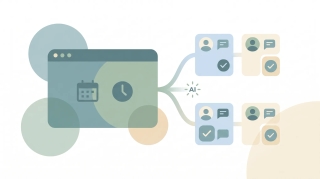
Create and manage Zoom breakout rooms — split participants automatically or manually, let people self-select, broadcast a message to all rooms, and bring everyone back to the main session.
How to create a Google Meet link — auto-attached from a Calendar event, instant meetings via meet.new, scheduled meetings without an event, plus dial-in numbers and host controls.

The best free meeting tools for booking, group scheduling, time-zone planning, video calls, and AI transcription. Genuinely free tiers, no trials, reviewed for 2026.

Step-by-step instructions for installing and using the Zoom for Outlook add-in to schedule Zoom meetings directly from Outlook calendar — covering classic, new Outlook, web, and mobile.

Google Meet works fine until it doesn't. Here are the best alternatives for video calls, async video, and meeting scheduling in 2026.
Tired of Zoom? Here are the best video conferencing alternatives in 2026 — for meetings, async video, webinars, and team chat.