How to Move Files in Dropbox (2026 Guide)
Move files in Dropbox by drag or right-click Move, on web, desktop, and mobile, move vs copy, bulk move, and keep shared links and permissions intact.
9 posts
Move files in Dropbox by drag or right-click Move, on web, desktop, and mobile, move vs copy, bulk move, and keep shared links and permissions intact.

Organize Dropbox with a clean folder structure, naming conventions, starred files, and automated folder rules that sort new files for you.

Create a standard, private, or shared channel in Microsoft Teams, add members, and fix it when the Add channel option is missing or you've hit the channel limit.
Add a shortcut to a file or folder in Google Drive — the replacement for 'Add to My Drive'. Plus deleting shortcuts, what they break, and when to use them vs a real copy.

Create a folder in a SharePoint document library — from the web, from File Explorer, or from Microsoft Teams. Plus when to use folders vs metadata, and how to enable folders if they're disabled.
How to organize Google Drive in 2026, folder colors, starring, shared drives vs My Drive, Drive labels, search operators, and Gemini AI suggestions.
How to pin messages in Slack channels and DMs, view pinned items, the 100-pin limit per channel, removing pins, and the difference between pinned and saved.
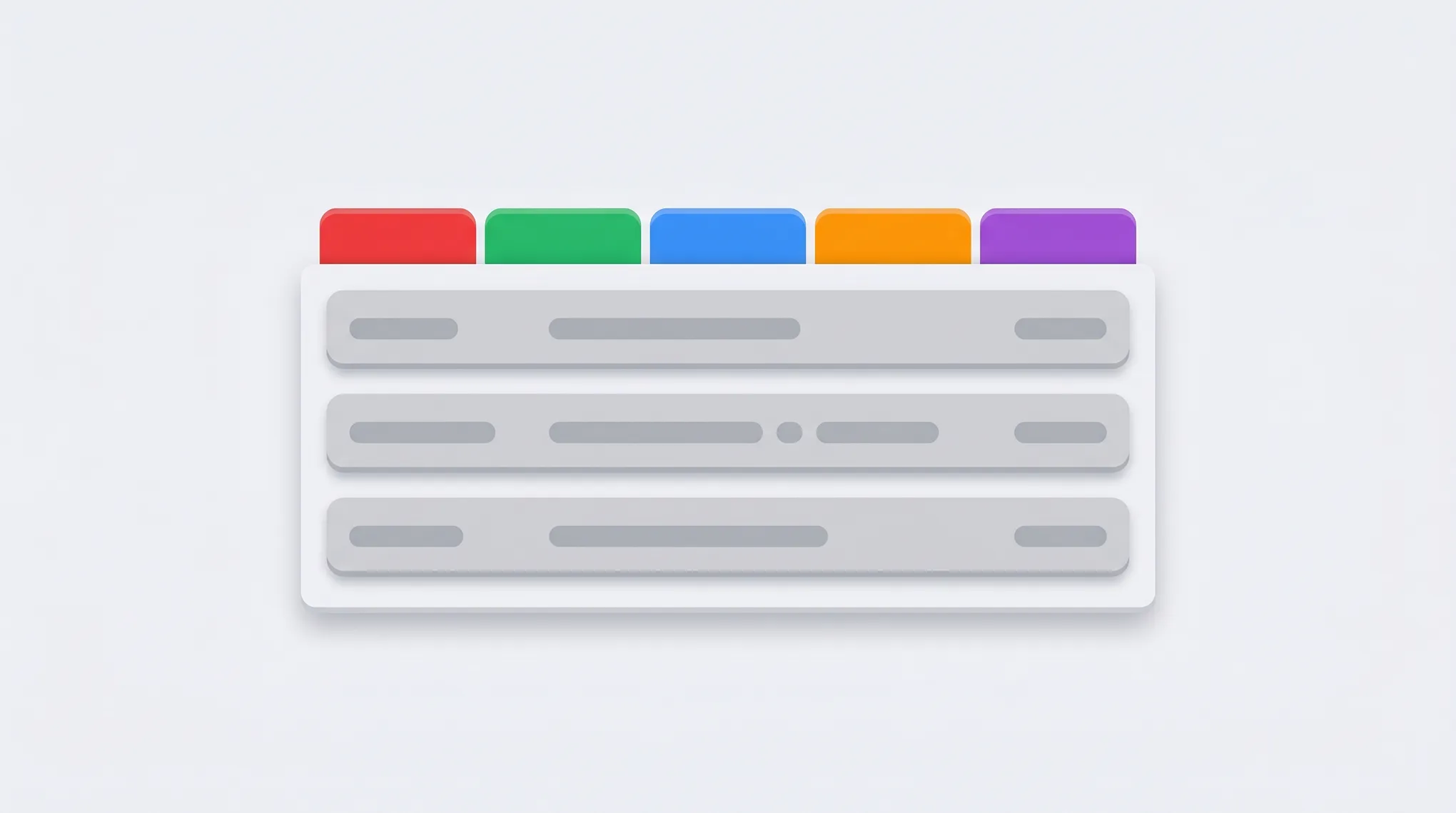
How to use Gmail's Primary, Promotions, Social, Updates, and Forums tabs — enable or disable categories, move emails between tabs, train the classifier, and the difference between categories and labels.
Learn how to organize, color-code, and manage multiple Google Calendars effectively. Covers creating calendars, toggling visibility, and cross-account management.