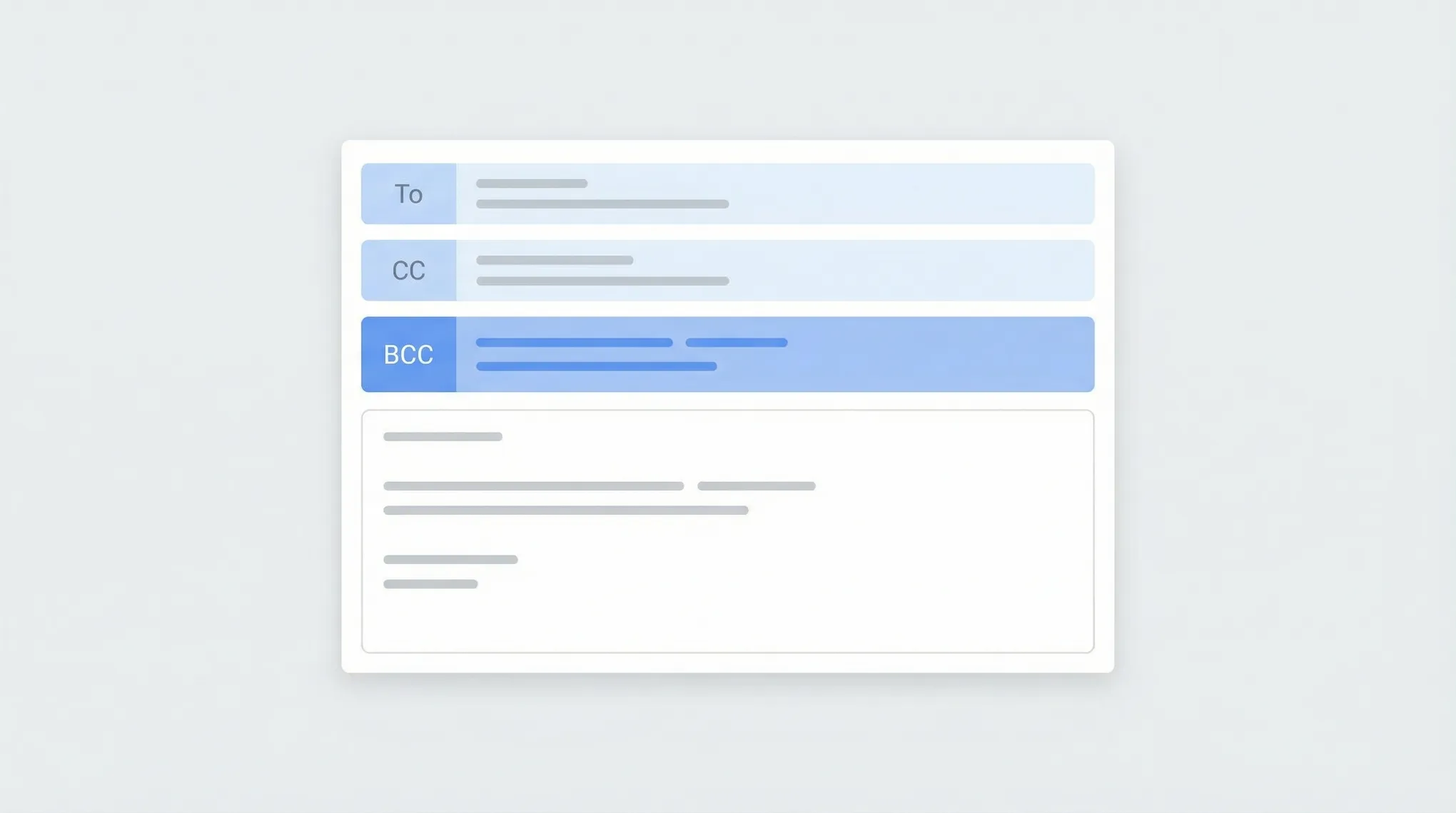
How to BCC in Outlook (Every Version, 2026)
Step-by-step instructions for using BCC in Outlook — how to show the BCC field, always BCC yourself, and use BCC in Outlook on the web, desktop, and mobile.
Page 126 of 138
Step-by-step instructions for using BCC in Outlook — how to show the BCC field, always BCC yourself, and use BCC in Outlook on the web, desktop, and mobile.

Block emails and senders in Outlook on the web, the new desktop app, classic Outlook, and mobile — plus how to unblock and manage your blocked senders list.
Step-by-step instructions for creating distribution lists (contact groups) in Outlook — covering Outlook on the web, the new desktop app, classic Outlook for Windows, and how to manage and edit your lists.

Step-by-step instructions for creating, saving, and using email templates in Outlook — covering Outlook on the web, the new desktop app, classic Outlook for Windows, and My Templates.
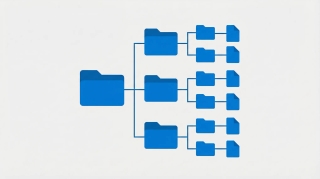
Create folders in Outlook to organize your inbox — on Outlook on the web, the new desktop app, classic Outlook for Windows, and mobile.
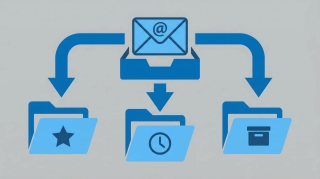
Step-by-step instructions for creating email rules in Outlook to automatically sort, move, flag, or forward messages — covering Outlook on the web, the new desktop app, and classic Outlook for Windows.

Step-by-step instructions for recalling or unsending an email in Outlook — covering classic Outlook for Windows, the new Outlook app, Outlook on the web, and what actually happens when you hit recall.

Step-by-step instructions for setting up out-of-office automatic replies in Outlook on the web, desktop (Windows and Mac), and mobile — including how to set date ranges, customize messages for internal vs. external contacts, and turn it off.
We tested 15+ of the best AI agents in 2026 on autonomy, integrations, and real-world task completion. See the full ranking — and which agent wins overall.

A head-to-head comparison of 9 AI personal assistants you can try for free — from agent platforms to chatbots. What each one does and where it falls short.

Looking for a Canary Mail alternative? These 8 tools offer stronger AI features, better integrations, and more automation for your inbox.

Claude and Carly can do the same things. The difference: Carly is pre-built for human-facing business workflows through email — no setup, no coding, no configuration.

Step-by-step guide to giving an AI agent email access — from dedicated addresses to inbox monitoring. Covers Gmail, Outlook, and dedicated agent platforms.

Looking for a Lindy AI alternative? Compare 8 options, from email-native AI assistants that do the work to platforms for building automations yourself.
Looking for a Manus alternative? These 8 AI agents handle autonomous work — from email-native business agents to open-source frameworks.

Looking for a Shortwave alternative? These 8 AI email tools offer everything from autonomous agents to faster inbox experiences.

Cal.com and Calendly compared on pricing, free plans, integrations, self-hosting, and team features — with honest tradeoffs for each.

Calendly and SavvyCal compared on booking experience, pricing, integrations, and team features — two different philosophies on scheduling.

Calendly and TidyCal compared on pricing, features, integrations, and value — one charges monthly, the other is a one-time payment.

OpenClaw has 512 security vulnerabilities, plaintext credentials, and $300+/month API bills. Carly does the same things — securely, starting at $35/month.

Carly's founder shares the exact workflows she uses every day — from triaging email across multiple accounts to shipping code, checking metrics, and building presentations — all without leaving her inbox.

An AI agent that monitors competitors, tracks product changes, and delivers monthly reports -- without you checking a single website.

An AI agent that handles new patient intake, collects insurance info, and schedules appointments -- all over email, before they ever walk in the door.

An AI agent that collects updates from your team's tools, summarizes progress, flags blockers, and delivers a standup report -- no meeting required.